A Twitch subscriber badge is the smallest piece of art on your channel that your viewers will care about most. It sits 18 pixels wide next to a name in chat, which sounds invisible — until a sub of two years posts a line and the little golden badge tells the whole room exactly who has been here. Badges are loyalty made visible: they mark tiers, mark history, and give subscribers something to grow toward. This guide covers the exact upload requirements Twitch enforces, the design tricks that keep art legible at 18 pixels, and a free workflow that exports the whole size set in minutes.
Twitch 订阅徽章是你频道上最小的一件艺术品,却也是观众最在意的一件。它只有 18 像素宽,贴在聊天里的用户名旁边——听起来毫不起眼——直到一个两年老粉发了句话,那枚小小的金色徽章告诉全场谁一直都在。徽章是把忠诚度可视化:它标记等级、标记资历,给订阅者一个可以追逐成长的目标。本指南覆盖 Twitch 强制的上传规格、让图案在 18 像素下依然清晰的设计技巧,以及一套几分钟导出整套尺寸的免费工作流。
What sub badges actually do订阅徽章到底是干嘛的
Three jobs, in order of importance. First, identity: a badge next to a name in chat tells other viewers who is a subscriber, which shapes conversation and moderation. Second, progression: Twitch grants you a new badge slot at milestone sub months — typically 1, 3, 6, 12, and then every 3 months up to 36. Each slot is a trophy the subscriber literally earns by staying. Third, flavor: badges are one of the cheapest places to inject channel personality, right next to emote slots. Streamers who treat badges as an afterthought leave all three jobs half-done.
三件事,按重要性排序。第一,身份:聊天里名字旁的徽章告诉其他观众谁是订阅者,这会影响对话氛围和弹幕管理。第二,进度:Twitch 在订阅里程碑月份给你新的徽章位——通常是 1、3、6、12 月,之后每 3 个月一档直到 36 个月。每个位置都是订阅者靠留下来实打实挣来的奖杯。第三,风格:徽章是注入频道个性最便宜的位置之一,紧挨表情槽。把徽章当马后炮的主播,三件事都只做了一半。
The exact size and format requirements精确尺寸与格式要求
Twitch does not take one image and resize it for you. It asks you to upload four versions of every badge so it can always render the sharpest one. Get this table tattooed on the back of your hand:
Twitch 不会替你把一张图缩放成各种尺寸。它要求你为每一枚徽章上传四个版本,好永远渲染最清晰的那一个。把这张表刻在手背上:
- 18×18 px — the chat badge. This is the size 99% of viewers actually see. If your art fails here, it fails everywhere.
- 18×18px——聊天里的徽章。这是 99% 观众真正看到的尺寸。图案在这里失败,就是全局失败。
- 36×36 px — the mid-density variant used in denser UI surfaces and on high-density displays.
- 36×36px——中等密度变体,用于信息更密的界面和高分屏。
- 72×72 px — shown on the loyalty / settings panel where viewers compare their progress.
- 72×72px——显示在忠诚度/设置面板上,观众在这里对比自己的进度。
- 144×144 px — the retina-scale master, used on large displays and in badge previews.
- 144×144px——视网膜级母版,用于大屏显示和徽章预览。
- File rules: PNG, transparency allowed, under 25 KB per file. Animated badges (GIF / APNG) are an extra, partner-level option — nail the static set first.
- 文件规则:PNG,允许透明,每个文件小于 25KB。动态徽章(GIF/APNG)是更高一级的附加选项——先把静态套装做好。
Design workflow: draw big, ship small设计工作流:画大,发小
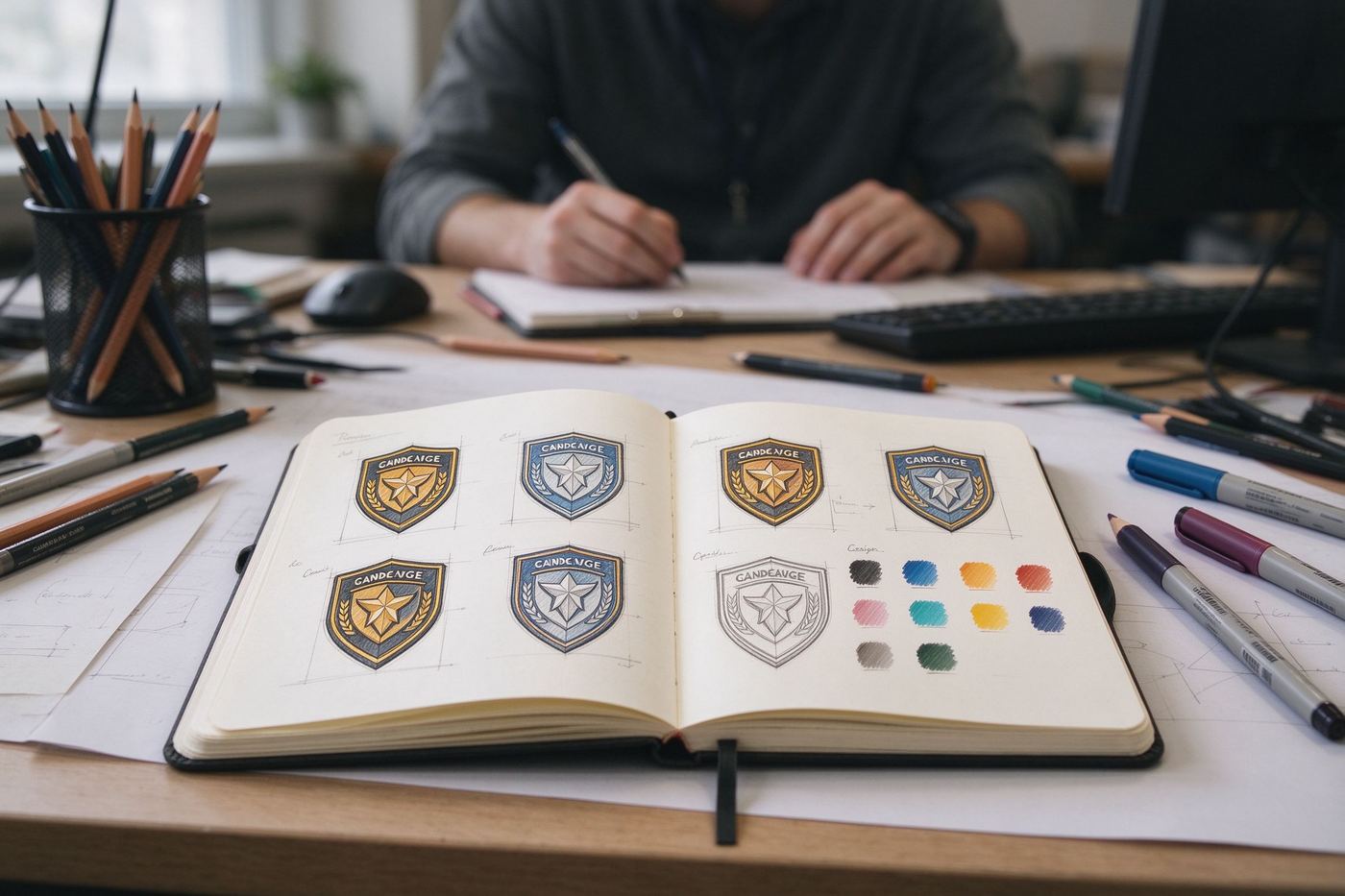
The pros do not paint at 18×18. They draw at 144×144 (or even 512×512 inside their editor), then export the four required sizes down. The mistake everyone makes is judging the art at 144px, where every little detail looks charming, and discovering at 18px that the charm has collapsed into a colored smudge. Build your master, then immediately preview it at 18px before you do anything else. If it reads, it ships; if it does not, simplify. Our Twitch Sub Badge Maker bakes this preview in: you see all four sizes live as you design, and export the complete 18/36/72/144 set as transparent PNGs.
专业选手不会在 18×18 上作画。他们在 144×144(甚至在编辑器里画到 512×512),再导出成要求的四个小尺寸。每个人都会犯的错是:在 144px 下评审作品,每个小细节都很可爱,然后在 18px 才发现可爱已经塌成一块色斑。做完母版后,第一件事就是把它预览到 18px。能读出来就发货,读不出来就简化。我们的Twitch 订阅徽章生成器把这个预览直接内置:设计时实时看到全部四个尺寸,并一键导出完整的 18/36/72/144 透明 PNG 套装。
Design tips that survive 18 pixels能活过 18 像素的设计技巧
- One subject, centered. A badge is a dot, not a scene. One object — a cup, a skull, a crown — filling 70% of the frame. Two competing shapes always merge at small size.
- 一个主体,居中。徽章是一个点,不是一个场景。一个物体——杯子、骷髅、皇冠——填满画面 70%。两个互相竞争的形状在小尺寸下一定会糊在一起。
- Thick outline, high contrast. A 2px dark outline around a bright fill is what separates your badge from the chat background on both light and dark themes. Thin outlines disappear.
- 粗描边,高对比。亮色填充外加 2px 深色描边,是让徽章在亮色和暗色主题下都能从聊天背景里跳出来的关键。细描边会直接消失。
- Three colors max. Every extra color is a detail the 18px render cannot afford. Famous badge sets use two or three flat colors plus the outline.
- 最多三种颜色。每多一种颜色,都是 18px 渲染负担不起的细节。知名徽章套装用两三种平涂加描边。
- No text, no tiny texture. Letters inside a badge become noise at 18px. Skip the sparkle overlays and gradients that band up when compressed.
- 不要文字,不要细微纹理。徽章里的字母在 18px 下会变成噪点。闪片叠加和渐变会在压缩时出 banding,统统跳过。
One more habit worth building: keep a source file at 512×512 even though you only ship the 144px version. When Twitch raises a requirement, when you want an emote-sized variant, or when you repurpose the badge as a community Discord icon, having the master art means you export again instead of redrawing. Badge sets that survive three content reskins always trace back to one preserved master file.
还有一个值得养成的习惯:保留一个 512×512 的源文件,哪怕你只发布 144px 版本。当 Twitch 提高要求、当你想要一个表情尺寸的变体、或当你想把徽章改作社群 Discord 图标时,有母版就意味着重新导出而不是重画。那些熬过三次改版的徽章套装,全都来自一份被保存下来的母版文件。
Progression ideas viewers feel观众能感受到的进阶设计
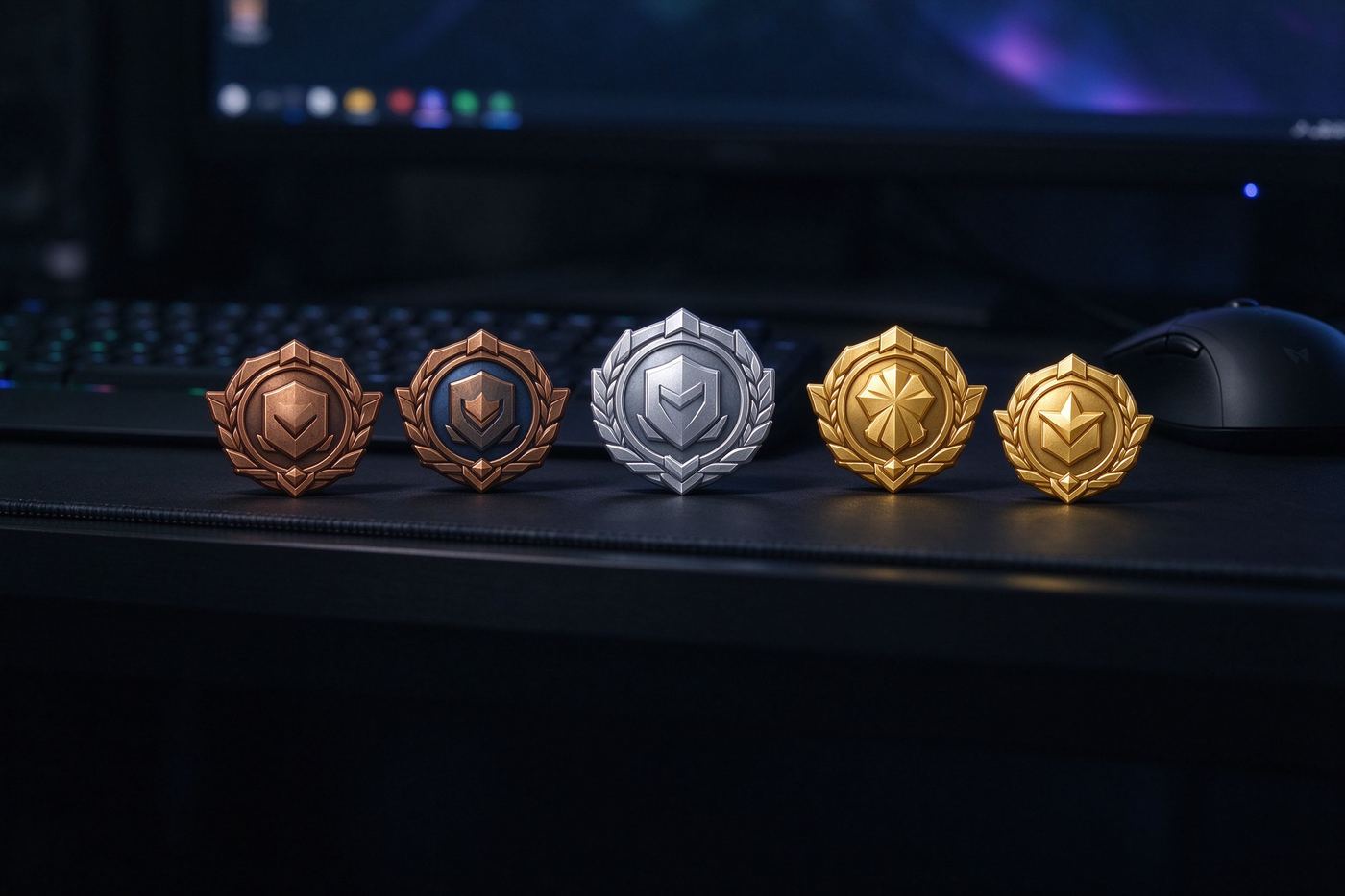
The best badge sets tell a story across tiers. The beginner cup grows a handle, then gold plating, then gems. A seed becomes a sapling becomes a tree. A single flame becomes a campfire becomes a bonfire. Keep one constant silhouette across all tiers so viewers instantly recognize "this is the cup badge, I have leveled it", and vary only the material, color or accessory. Random icons per tier — a pizza, then a spaceship, then a chess knight — read as unrelated objects, not progress. For the broader vocabulary of shape and material decisions that applies to badges everywhere, our Badge Design Guide goes deep, and Achievement Badge Design for Games & Gamification covers the psychology of unlock sequences that Twitch borrowed in the first place.
最好的徽章套装在各个等级之间讲一个故事。新手杯子长出把手,然后镀金,然后镶宝石。种子长成树苗,再长成大树。一簇火苗变成篝火,再变成营火。所有等级保持同一个轮廓不变,让观众一眼认出「这是杯子徽章,我升级了」,只改变材质、颜色或配饰。每档用随机图标——披萨、飞船、国际象棋马——读起来就是一堆不相关的物件,而不是进度。关于徽章通用的形状与材质决策语汇,我们的徽章设计指南有深入展开;游戏与游戏化场景的成就徽章设计则覆盖 Twitch 最初借鉴的那套「解锁序列心理学」。
Uploading your set上传你的套装
Once you have the four PNGs per tier, the upload lives in the Twitch Creator Dashboard under Viewer Rewards, then Loyalty. Open the subscriber badge editor, add a milestone tier, and drop each size into its labeled slot. Twitch validates dimensions and file size on upload, so a rejected file almost always means a wrong size or an over-25KB PNG — re-export, and strip metadata to shave kilobytes. Preview the badge against a dark chat background before saving; that is the background it will actually live on.
每个档位四个 PNG 准备好后,上传入口在 Twitch 创作者后台的「观众奖励」→「忠诚度」里。打开订阅徽章编辑器,添加一个里程碑档位,把每个尺寸拖进对应标注的格子。Twitch 会在上传时校验尺寸和文件大小,所以被拒几乎总是意味着尺寸错了或 PNG 超过 25KB——重新导出,并剥掉元数据来省下几千字节。保存之前把徽章放到深色聊天背景上预览——那才是它真正要生活的背景。
FAQ常见问题
What sizes do Twitch sub badges need to be?Twitch 订阅徽章需要什么尺寸?
Twitch requires badge artwork uploaded at four sizes: 18×18, 36×36, 72×72 and 144×144 pixels. The chat renders the badge at 18px; the loyalty settings page shows the 72px version.
Twitch 要求徽章作品按四个尺寸上传:18×18、36×36、72×72 和 144×144 像素。聊天里以 18px 渲染;忠诚度设置页展示 72px 版本。
What file format and size limit apply?格式和大小限制是什么?
Static badges must be PNG, under 25 KB per file, with transparency allowed. Animated badges (GIF or APNG) are a partner-level extra option, but start with a clean static PNG set.
静态徽章必须是 PNG,每个文件小于 25KB,允许透明。动态徽章(GIF 或 APNG)是合作伙伴级的附加选项,但先把干净的静态 PNG 套装做好。
Why does my badge look like a blob in chat?为什么我的徽章在聊天里像一团糊?
Because it was designed at 144px with details that vanish at 18px. Design for the smallest size: one bold subject, thick outline, limited colors, centered composition, and test it zoomed out to 18px before you export.
因为它是在 144px 下设计的,细节在 18px 下会消失。按最小尺寸设计:一个醒目主体、粗描边、有限配色、居中构图,导出前缩到 18px 测试。
How many badge tiers should I make?我应该做几个徽章档位?
Twitch rewards milestone months: 1, 3, 6, 12, and every 3 months after that. Build a progression — the same character evolving — rather than unrelated icons, so viewers feel their badge growing with them.
Twitch 奖励里程碑月份:1、3、6、12 月,之后每 3 个月一档。做一套进阶——同一个角色不断进化——而不是一堆不相关的图标,让观众感觉徽章随自己一起成长。
Can I make sub badges for free?可以免费做订阅徽章吗?
Yes. Our Twitch Sub Badge Maker exports the full 18/36/72/144 px PNG set in the browser, with no watermark and no upload.
可以。我们的 Twitch 订阅徽章生成器在浏览器里导出完整的 18/36/72/144px PNG 套装,无水印、不上传。