Design a funny printable certificate with a name, date and a random award reason — free, no watermark, and your design never leaves your device.设计一张带姓名、日期和随机颁奖理由的搞笑可打印奖状——免费、无水印,你的设计永远不会离开你的设备。
Yes. It is 100% free with no watermark, no sign-up and no download limit. Every certificate you design exports as a PNG you can print or share.
是的。完全免费、无水印、无需注册,也没有下载次数限制。你设计的每一张奖状都导出为可打印或分享的 PNG。
Three starter templates: World's Best Dad, Participation Award and You Tried. The Random Award button mixes funny award names and reasons locally.
三个起始模板:世界最佳爸爸、参与奖、你努力了。随机奖项按钮会在本地混合搞笑奖项名和理由。
No. It uses a local list of award names and reasons built into this page. It does not call any AI service or upload your input, so it is fast and private.
不。它使用内联在本页的奖项名与理由本地列表,不调用任何 AI 服务,也不上传你的输入,因此快速且私密。
Yes. Type a recipient name and a date, and they are drawn on the certificate. You can also edit the award title and reason text.
可以。输入获奖人姓名和日期,会绘制在奖状上。你也可以编辑奖项名称和理由文字。
No. Everything is drawn with Canvas in your own browser. Your name and joke never leave your device, and the tool works offline.
不会。一切都在你的浏览器里用 Canvas 绘制,你的名字和笑话永远不会离开你的设备,离线也能用。
A certificate is a piece of paper that says "we noticed you". When the award is real, that moment is meaningful; when the award is silly, the moment is funny, which is also meaningful. Participation awards, "You Tried" certificates and World's Best Dad scrolls have been a staple of family dinners, office parties and classroom gag gifts for decades because they turn a boring evening into a keepsake. Our Certificate Maker gives you the formal layout of a real award certificate — double border, serif type, a seal in the corner, a date and a signature line — but fills it with whatever joke you type. The contrast between the serious frame and the silly text is the entire joke, and it works because the layout feels familiar.
奖状是一张写着「我们注意到了你」的纸。奖项真实时,这个时刻有意义;奖项搞笑时,这个时刻好笑,同样有意义。参与奖、「你努力了」证书和世界最佳爸爸卷轴几十年来一直是家庭聚餐、办公室派对和课堂玩笑礼物的主力,因为它们把一个无聊的夜晚变成一件纪念品。我们的趣味奖状生成器给你真正奖状的正式排版——双层边框、衬线字体、角落印章、日期和签名行——但里面填的是你输入的任何笑话。严肃画框与搞笑文字之间的反差就是整个笑点,之所以有效,是因为排版看起来很眼熟。
The Random Award button does not call an AI. It picks one award title from a built-in list and pairs it with one reason from another built-in list, all inside your browser. That means it works offline, it never sends your name to a server, and it will never produce something weird or inappropriate by hallucinating. The list is intentionally small and safe: titles like "Coffee Champion", "Meeting Survivor", "Pet Whisperer" and "Pizza Chef", paired with reasons like "For drinking three coffees before 9am and still smiling" or "For petting every cat you met this year". If you want a specific joke, just type it into the award title and reason fields yourself. The random button is there for when you are stuck, not as a replacement for your own writing.
随机奖项按钮不调用 AI。它在你的浏览器内部从内置奖项列表挑一个标题,再从另一个内置列表配一条理由。这意味着它离线可用,从不把你的名字发到服务器,也不会因为幻觉生成奇怪或不当的内容。列表刻意保持小而安全:奖项名如「咖啡冠军」「会议幸存者」「宠物低语者」「披萨大厨」,配的理由如「早上九点前喝了三杯咖啡还在微笑」或「今年遇到的每一只猫都摸了」。如果你想要特定笑话,直接自己填奖项名和理由。随机按钮是给你卡住时用的,不是用来替代你自己写文案的。
For Father's Day, "World's Best Dad" with a reason about fixing things and bad jokes. For Mother's Day, "World's Best Mom" or "Professional Snack Supplier". For the office, "Meeting Survivor", "Coffee Champion", "Slack MVP" and "Deadline Dodger" are perennial favorites. For a birthday, "Official Adult (Probably)" or "Another Year Older, Still Okay at This". For a retirement party, "Certified Expert in Nothing and Everything". For a classroom gag, "Most Likely to Bring Snacks" or "Classroom Comedian (Unauthorized)". The format works for any group that has a sense of humor, and because the PNG prints on plain A4 paper, you can tape the certificate to a desk, a fridge or a gift bag in under a minute.
父亲节做「世界最佳爸爸」,理由写修东西和讲烂笑话。母亲节做「世界最佳妈妈」或「专业零食供应商」。办公室常用「会议幸存者」「咖啡冠军」「Slack MVP」「截稿躲避王」。生日做「认证成人(大概)」或「又老一岁,还行」。退休派对做「什么都会一点的认证专家」。课堂玩笑做「最可能带零食的人」或「未经授权的班级喜剧演员」。这个格式适合任何有幽默感的群体,而且 PNG 可以打印在普通 A4 纸上,你一分钟内就能把奖状贴到桌上、冰箱上或礼品袋上。
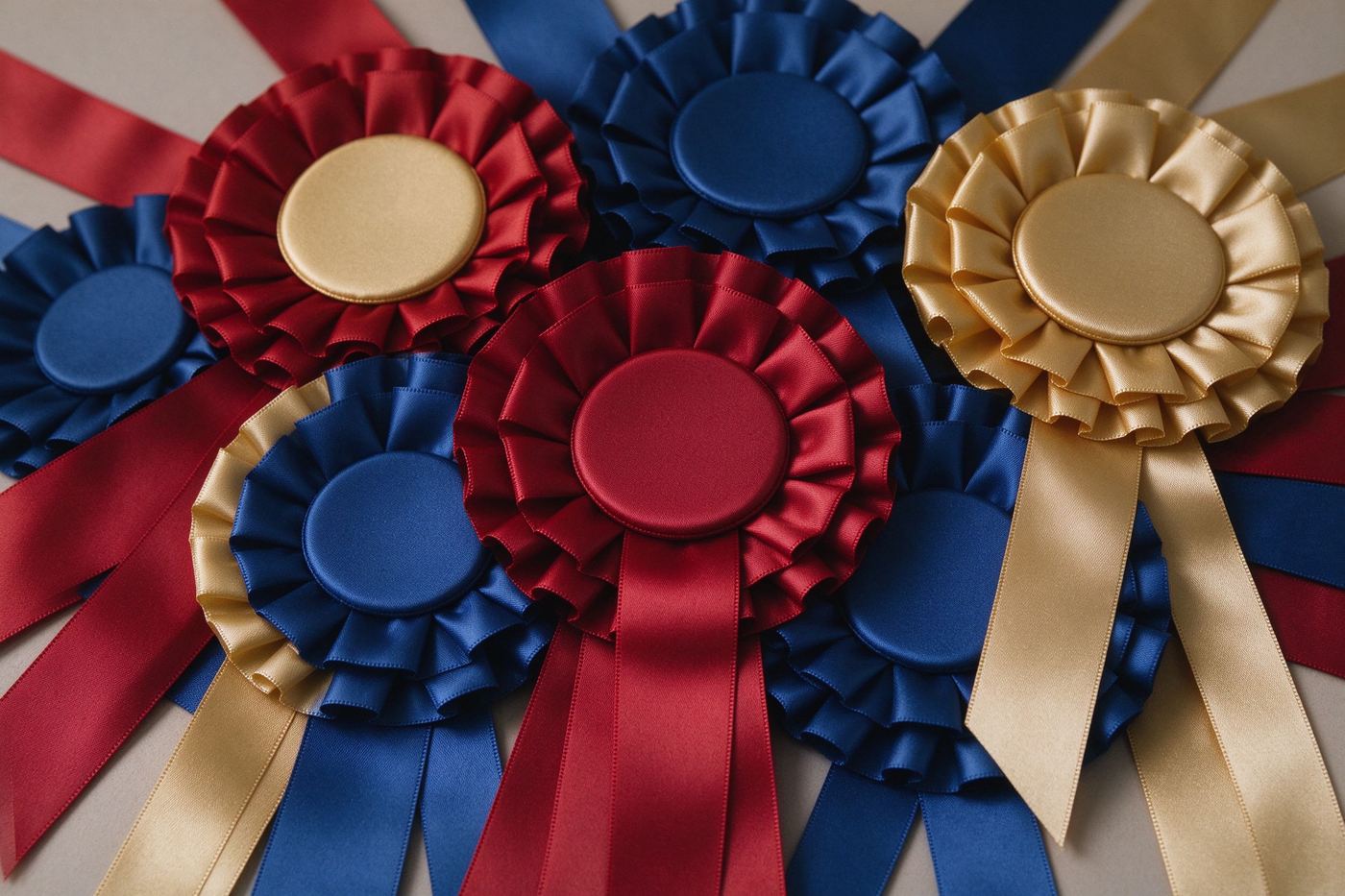
Print the certificate at 100 percent scale on plain white A4 or letter paper. Do not choose "fit to page" in the print dialog, because that shrinks the border. For a fancier look, print on cream or light cardstock, which matches the on-screen background and makes the gold border pop. If you want a physical seal, print the Award Ribbon Maker rosette separately, cut it out, and glue it over the drawn seal in the corner — the two tools are designed to pair. For a whole team, make one certificate per person and only change the name and reason, keeping the same template and date, which makes the set look like a real series of awards. For more gag award ideas, read Funny Award Ideas for Office and Team Celebrations, and for the cultural history of participation prizes, read Participation Award Culture: Why We Love Silly Certificates.
以 100% 比例打印在普通白色 A4 或 Letter 纸上。打印对话框里不要选「适应页面」,因为那会缩小边框。想要更精致的外观,打印在米色或浅色卡纸上,与屏幕背景匹配,让金色边框更突出。想要实体印章,单独打印颁奖丝带生成器的罗塞特,剪下后粘在角落绘制的印章上——这两个工具就是设计来搭配的。为整个团队制作时,每人一张证书,只改姓名和理由,保持相同模板和日期,整组看起来像真正的系列奖项。想要更多搞笑奖项创意,阅读办公室与团队庆祝的趣味奖项创意;想了解参与奖的文化史,阅读参与奖文化:我们为何喜爱沙雕证书。
Some certificate sites promise "AI-generated awards" and then ask you to upload a photo of the recipient, which means your family and coworkers' faces end up on someone's server. We built this tool the opposite way: the name, the reason and the date are typed into your own browser, the layout is drawn with Canvas, and the PNG is encoded on your device. There is no photo upload, no account and no "premium" tier hiding the border. The random award generator is a local list, not an AI, and we say so on the page. That keeps the tool fast, offline-friendly and honest about what it can and cannot do. For batch personalized certificates from a list of names, our Batch Badge Generator (coming soon) will scale this idea to CSV.
有些证书网站承诺「AI 生成奖项」,然后要求你上传获奖者的照片,这意味着你家人和同事的脸最终会出现在别人的服务器上。我们把这个工具做成了相反的样子:姓名、理由和日期输入你自己的浏览器,排版用 Canvas 绘制,PNG 在你的设备上编码。没有照片上传、没有账号、没有隐藏边框的「高级版」。随机奖项生成器是本地列表,不是 AI,我们在页面上如实说明。这让工具快速、离线友好,并且对它能做什么、不能做什么保持诚实。如需从名单批量制作个性化奖状,我们的批量徽章生成器(即将推出)会把这个思路扩展到 CSV。
A funny certificate is better when it is presented with a tiny bit of ceremony. Print it, roll it into a scroll and tie it with a ribbon from the Award Ribbon Maker, and hand it over at dinner. Tape it to a clipboard for a mock "awards ceremony" where you read the reason out loud. Slide it into a cheap dollar-store frame and put it on the recipient's desk before they arrive. Pair it with a physical prize such as a candy bar, a mug or a fake plastic trophy, so the joke lands alongside something they can actually use. The on-screen cream background and gold border already look like a printed award, so you do not need any special paper to make the bit work; even a folded sheet of notebook paper taped to a fridge reads as a certificate when the reason is funny enough.
搞笑奖状加一点点仪式感会更好。打印出来卷成卷轴,用颁奖丝带生成器的丝带系好,在晚餐时递过去。贴在剪贴板上做一场 mock「颁奖典礼」,大声读出理由。塞进一元店买的便宜相框,在对方到之前放到他桌上。搭配一个实物奖品,比如巧克力棒、马克杯或假塑料奖杯,让玩笑和真正能用的东西一起落地。屏幕上的米色背景和金色边框已经像一张打印奖状,所以不需要特殊纸张;哪怕一张折起来的笔记本纸贴在冰箱上,只要理由足够好笑,读起来就是一张奖状。
Ready to frame your first certificate? Start with the World's Best Dad template, change the name to the person you are celebrating, tweak the reason until it makes you snort-laugh, then hit Download PNG. Pair it with a rosette from the Award Ribbon Maker or a medal from the Round Medal Maker for a full prize set.
准备好装裱你的第一张奖状了吗?从「世界最佳爸爸」模板开始,把姓名改成你想庆祝的人,把理由改到你自己都笑出声,然后点击下载 PNG。搭配颁奖丝带生成器的罗塞特或圆形奖章生成器的奖章,凑成完整奖品套装。