Pick a shape, pick a material, add your words — six badges on demand, all exporting as transparent PNGs right in your browser.选形状、选材质、加上你的文字——六种徽章随选随做,全部以透明 PNG 在浏览器本地导出。
Six shapes: circle, shield, star, hexagon, heart and diamond. Each pairs with four material styles: solid color, outline, two-color gradient and metallic.
共六种形状:圆形、盾形、星形、六边形、心形和菱形。每种都能搭配四种材质风格:纯色、描边、双色渐变和金属。
Yes. The badge is drawn on a transparent canvas and exported as a transparent PNG, so it drops onto slides, photos, streams or sticker sheets.
是的。徽章绘制在透明画布上并导出为透明 PNG,可以直接叠到幻灯片、照片、直播画面或贴纸贴上。
Yes. Type up to two lines of centered text, and pick an emblem (none, star, dot or check) that sits above the text.
可以。输入最多两行居中文字,还能在文字上方选择一个图标(无、星星、圆点或对勾)。
No. The badge renders entirely in your browser with Canvas. Your design never leaves your device and the tool works offline.
不会。徽章完全在你的浏览器里用 Canvas 渲染,设计永远不会离开你的设备,离线也能用。
Game achievements, RPG party badges, event passes, club logos, award stickers, Twitch and Discord icons, quiz-night winners and printable sticker sheets.
游戏成就、桌游队伍徽章、活动通行证、俱乐部标志、奖励贴纸、Twitch 与 Discord 图标、问答比赛冠军和可打印贴纸贴。
Before a viewer reads a single word, their brain has already categorized your badge by its outline. This is not decoration, it is visual language that games and scouting organizations have refined over a century. A shield reads as protection, rank and belonging — think knight insignia, guild crests and achievement unlocks. A star reads as excellence, favorites and five-star ratings. A hexagon reads as a crafted game material, the kind of slot you see in loot bars and inventory grids. A heart reads as support, love and community membership. A diamond reads as rarity and premium status. And the circle remains the universal default: a coin, a button, a stamp, a medal. When you pick a shape in this tool, you are not choosing geometry, you are choosing the meaning the viewer expects.
在观众读到任何一个字之前,他们的大脑已经根据外轮廓给你的徽章分好了类。这不是装饰,而是游戏与童军组织花了一个世纪打磨出来的视觉语言。盾牌读作守护、等级与归属——骑士徽章、公会纹章、成就解锁皆是如此。星星读作卓越、收藏与五星好评。六边形读作手工游戏材料,就是你在战利品栏和物品栏里看到的那种格子。心形读作支持、热爱与社区成员身份。菱形读作稀有与高端。而圆形仍是通用默认:硬币、纽扣、印章、奖章。你在本工具里选形状时,选的不是几何,而是观众的预期含义。
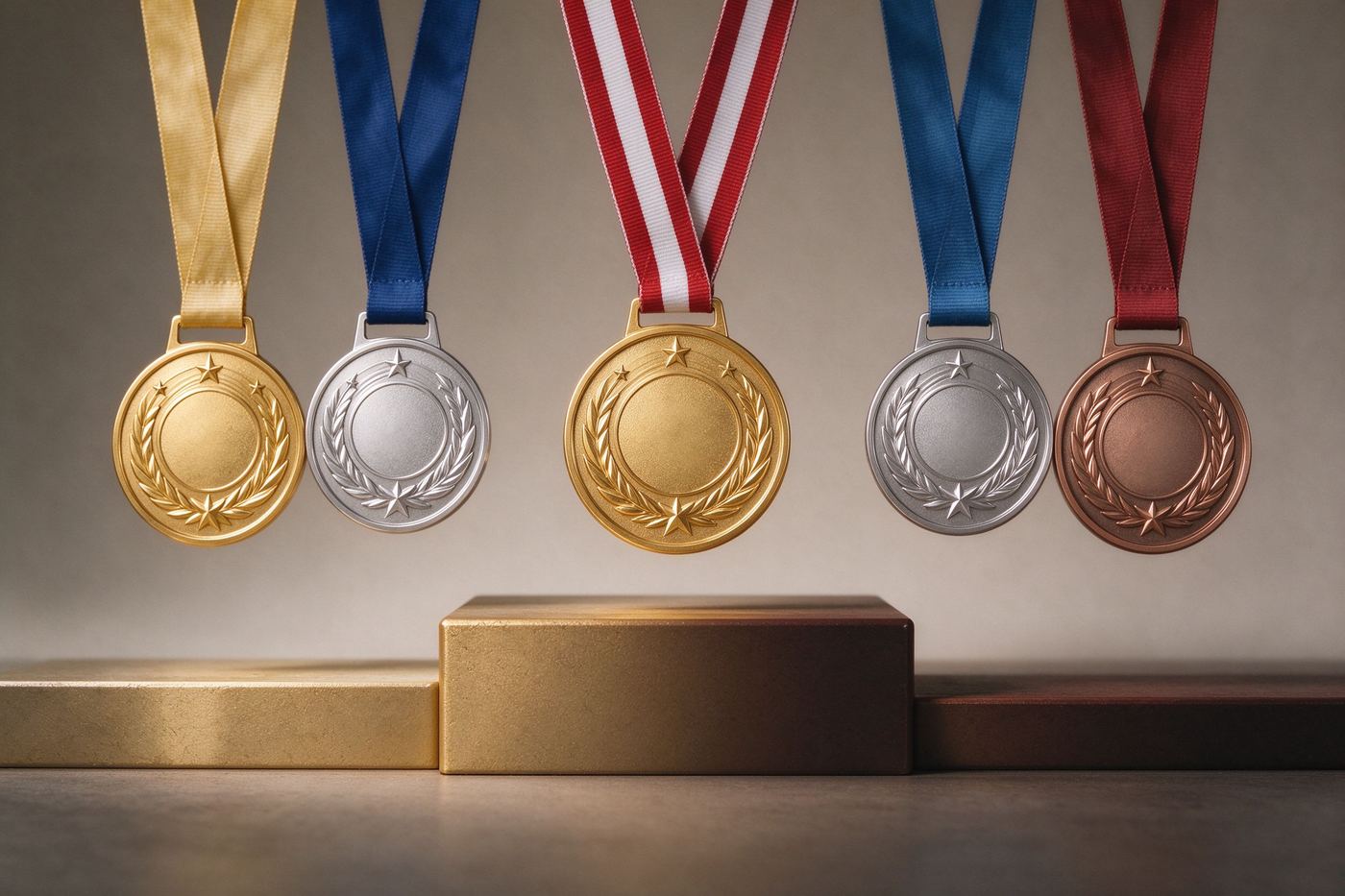
The same shape tells a completely different story depending on how you finish it. Solid fill is honest and modern, the look of flat UI kits and app icons, and it stays perfectly legible at small sizes. Outline style removes the fill and leaves only a bold stroke, which looks like a die-cut sticker or a wax seal outline — perfect when your badge sits on top of busy artwork. Gradient style sweeps two colors across the shape, adding energy and depth that flat color cannot, and it is the go-to look for promotions and event badges. Metallic style renders a radial highlight like a coin being struck: bright at the top-left, deepening toward the rim. That is the finish that says "award", "winner", "prize". Pair gold metal with a shield and you get a championship crest; pair it with a circle and you get an Olympic-style medal. The tool computes every gradient on the fly, so any base color you pick instantly becomes a believable metal.
同一个形状,用不同材质收尾,讲的故事完全不同。纯色填充诚实而现代,是扁平 UI 套件和应用图标的样貌,在小尺寸下依然清晰。描边样式去掉填充只留粗轮廓,看起来像模切贴纸或火漆印外圈——当你的徽章要压在花哨画面之上时它最有用。渐变样式让两种颜色扫过形状,注入纯色无法提供的活力与深度,是促销和活动徽章的首选。金属样式渲染出像硬币冲压一样的径向高光:左上方发亮,向边缘加深。这种收尾传达的就是「奖励」「获胜者」「奖品」。金属金配盾形就是冠军纹章,金属金配圆形就是奥运式奖牌。工具会实时计算每一种渐变,你挑的任何主色都会立刻变成可信的金属质感。
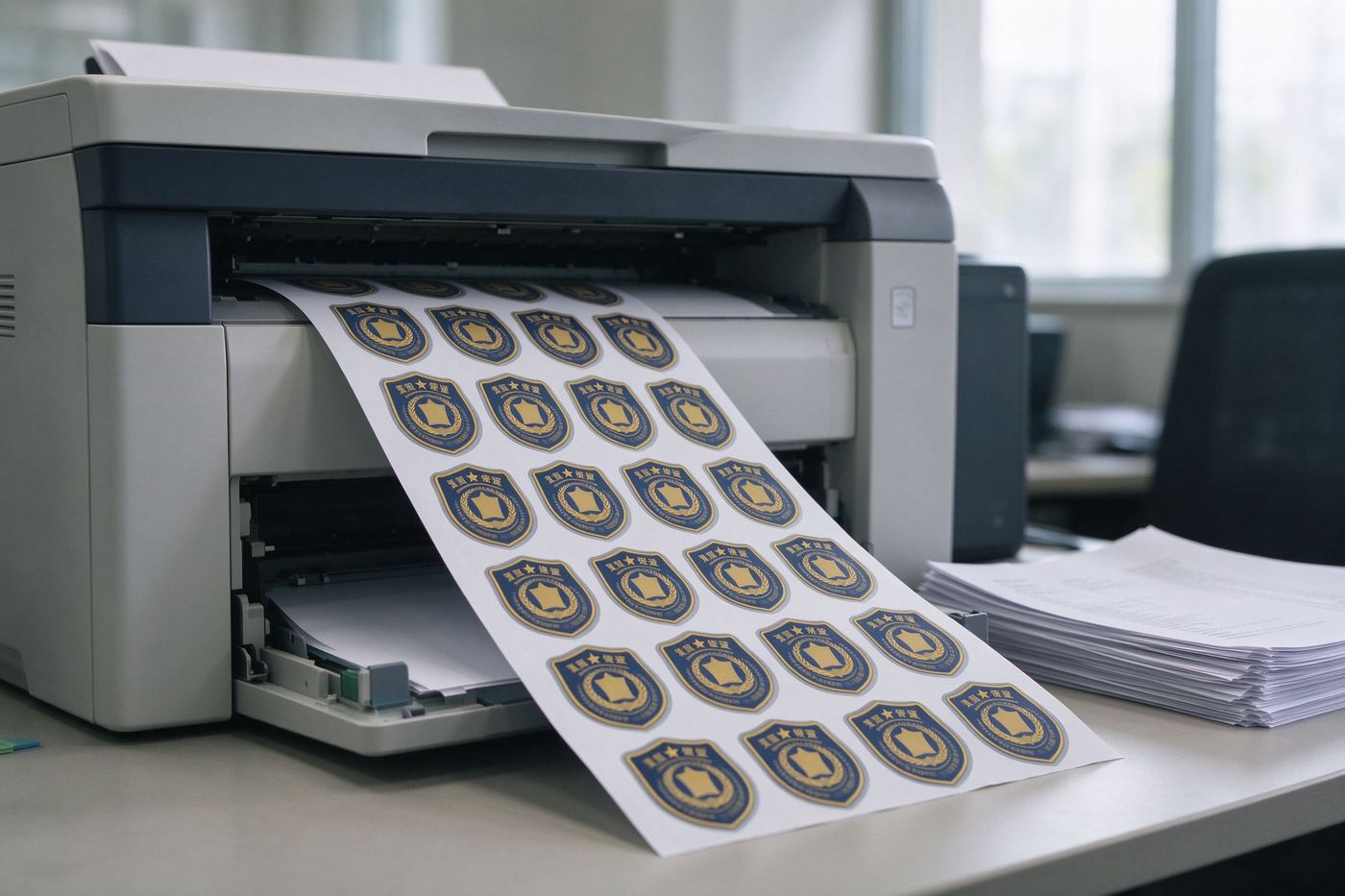
Because the export has no background, it is a building block rather than a finished picture. Streamers drop it into OBS overlays as subscriber perks; teachers print a sheet of them for classroom reward charts; tabletop gamers glue them onto character sheets as status tokens; community managers pin them as Discord role icons; indie developers use them as achievement pop-ups in prototypes. The 600px export also prints cleanly on a sticker sheet, which is why a lot of clubs order one badge design and print it for a whole year of events. If your badges need ribbons and arc text instead, the Round Medal Maker is the next step; for Twitch-specific tier sets with 18/36/72px exports, jump to the Twitch Sub Badge Maker; and for the full theory of shapes, materials and colors across the badge world, read our Achievement Badge Design for Games & Gamification.
因为导出没有背景,它是一块积木,而不是一张成品图。主播把它放进 OBS overlay 当订阅福利;老师打印成一整张,贴在教室奖励表上;桌游玩家把它粘在角色卡上当状态指示物;社区管理员把它设为 Discord 身份组图标;独立开发者把它当原型里的成就弹窗。600px 的导出也能干净地打印成贴纸贴,所以很多俱乐部只做一个徽章设计,就印出来用一整年。如果你的徽章需要绶带和弧形文字,下一步用圆形奖章生成器;如果需要 Twitch 专用、带 18/36/72px 导出的等级套装,直接去Twitch 订阅徽章生成器;想系统了解徽章世界的形状、材质与色彩理论,阅读我们的《游戏与游戏化场景的成就徽章设计》。
The fastest way to look like a professional studio is to design a set instead of a singleton. Start with the shape that matches your community's identity, then duplicate it across three or four tiers, changing exactly one variable each time. A guild could go plain circle, outlined shield, gradient hexagon, metallic diamond — the viewer's eye tracks the progression instantly. A classroom reward system could keep the heart shape and only walk the color from pale pink to deep red as the student earns more badges. Because every export here is a transparent 600px PNG, you can also paste all of them into one comparison slide and eyeball the family resemblance before downloading. Resist the urge to make every tier completely different; recognizable families beat random collections, and that principle holds whether you are building a Twitch progression, a gamified app, or a sticker sheet for a summer camp.
想看起来像专业工作室,最快的方法是做一套,而不是做一枚。先选一个最贴合社区身份的形状,再复制到三四个等级,每一级只改变一个变量。一个公会可以从纯色圆形开始,走到描边盾形、渐变六边形、金属菱形——观众的眼睛能立刻跟上这个进阶。课堂奖励体系可以保持心形不变,只让颜色从浅粉一路走到深红,对应学生累计的徽章数。由于这里的每次导出都是 600px 透明 PNG,你还可以把它们全部贴进同一张对比幻灯片,在下载前先肉眼检查整套像不像一家人。忍住把每一级做得完全不同的冲动;可辨认的家族永远胜过随机收藏,无论你是在搭建 Twitch 等级、游戏化应用,还是夏令营的贴纸贴。
Most badge editors are subscription sites that queue your art on a server and watermark the free preview. This page is the opposite: every gradient, shape and letter is drawn by Canvas on your own computer. There is no upload step, no account, no "credits". The same file opens on your phone, tablet or laptop, works offline after the first load, and produces a PNG you fully own. Your badge ideas are yours — keep them private until you are ready to show them off.
大多数徽章编辑器是订阅制网站:把你的作品排队送到服务器,再给免费预览打上水印。这个页面恰恰相反:每一道渐变、每一个形状、每一个字母都由你自己电脑上的 Canvas 绘制。没有上传步骤、没有账号、没有「积分」。同一个文件在手机、平板、笔记本上都能打开,首次加载后离线可用,产出的 PNG 完全归你。你的徽章创意是你的——在准备好展示之前,就让它保持私密。
Pick a shape above, try a metallic finish, and hit Download. Six outlines and four materials give you twenty-four starting points — enough to design an entire badge system in an afternoon, for free.
在上方选一个形状,试试金属质感,然后点下载。六种轮廓乘以四种材质就是二十四个起点——足够你一下午免费设计出一整套徽章体系。