Design a game-style achievement badge in bronze, silver, gold or platinum with your choice of icon and title — free, no watermark, and your design never leaves your device.设计一枚铜、银、金或白金分级的游戏风成就徽章,自选图标和标题——免费、无水印,你的设计永远不会离开你的设备。
Yes. It is 100% free with no watermark, no sign-up and no download limit. Every badge you design exports as a transparent PNG.
是的。完全免费、无水印、无需注册,也没有下载次数限制。你设计的每一枚徽章都导出为透明 PNG。
Bronze, silver, gold and platinum, matching the color system used by PlayStation, Xbox and most game achievement systems.
铜、银、金、白金,与 PlayStation、Xbox 以及大多数游戏成就系统使用的颜色体系一致。
Yes. Pick from eight built-in icons: star, sword, shield, crown, heart, lightning, skull and gem. Each is drawn with Canvas paths.
可以。从八个内置图标中选择:星星、剑、盾、王冠、心、闪电、骷髅、宝石。每个都由 Canvas 路径绘制。
Yes. The badge is drawn on a transparent canvas, so the PNG drops cleanly into Discord, Twitch, slides or stickers.
是的。徽章绘制在透明画布上,PNG 可以干净地叠入 Discord、Twitch、幻灯片或贴纸。
No. Everything is drawn with Canvas in your own browser. Your design never leaves your device and the tool works offline.
不会。一切都在你的浏览器里用 Canvas 绘制,设计永远不会离开你的设备,离线也能用。
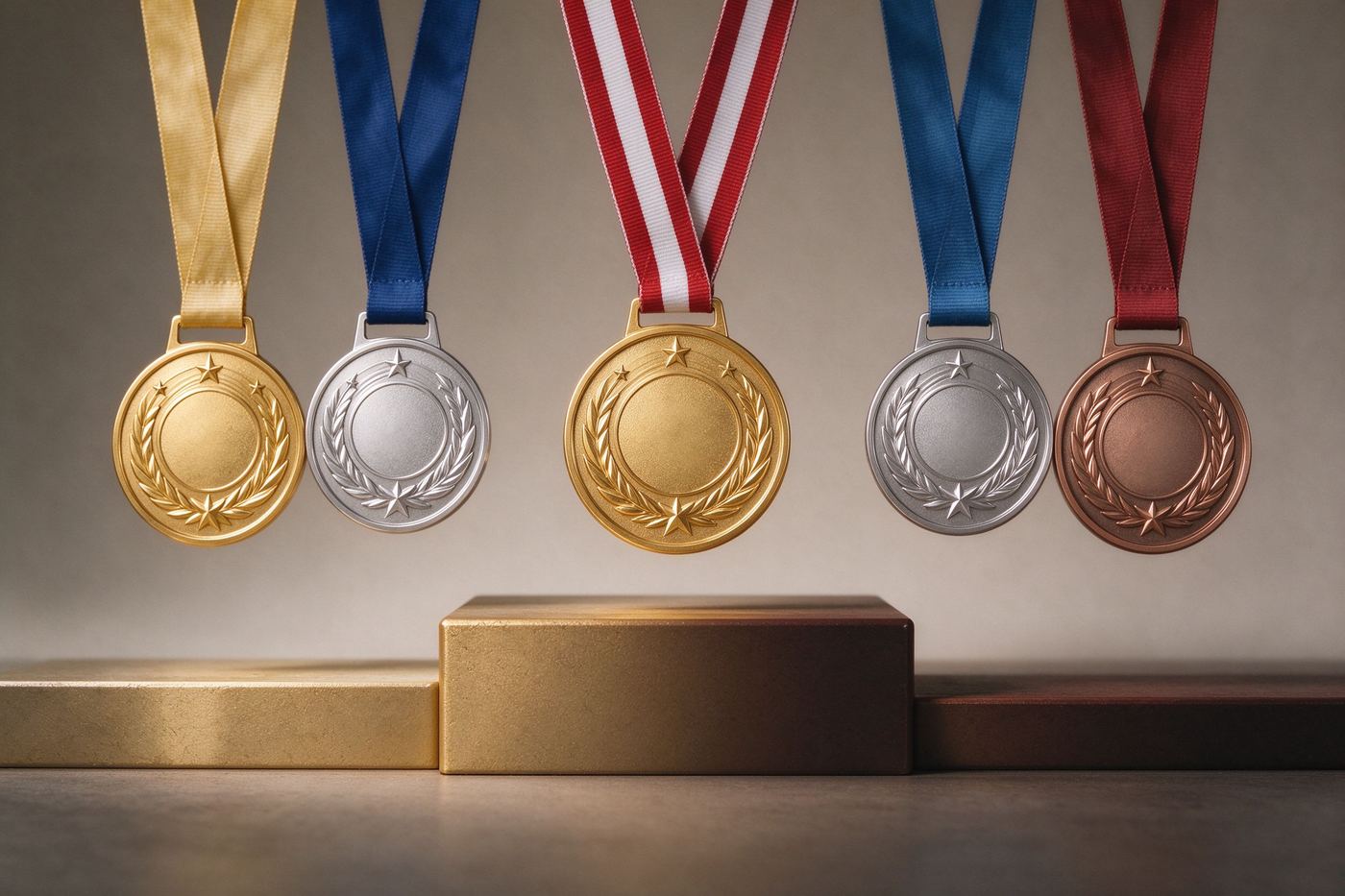
Achievement tiers exist because players need an instant read on how rare a trophy is. A bronze badge says "you finished the tutorial", a silver badge says "you tried a little harder", a gold badge says "you put in real work", and a platinum badge says "you basically 100 percented the game". The color carries meaning before the player even reads the title, which is why PlayStation, Xbox, Steam and most indie games all converged on the same four-color system. Our Achievement Badge Maker uses that exact color logic, so the badge you make will look familiar to anyone who has played a modern game. The shield shape is the universal container for game rewards, and the metallic gradient gives it the embossed, stamped-in-steel feel that real trophy UIs use.
成就等级的存在,是因为玩家需要一眼读出奖杯的稀有度。铜徽章表示「你完成了教程」,银徽章表示「你多试了一下」,金徽章表示「你真的下了功夫」,白金徽章表示「你基本 100% 通关了这款游戏」。颜色在玩家读到标题之前就承载了意义,这就是为什么 PlayStation、Xbox、Steam 和大多数独立游戏都收敛到同一套四色体系。我们的成就徽章生成器使用完全相同的颜色逻辑,所以你做的徽章对任何玩过现代游戏的人来说都很眼熟。盾牌形状是游戏奖励的通用容器,金属渐变则带来真实奖杯 UI 那种压印在钢板上的浮雕感。
Icons are a shorthand. A sword tells the player "combat related", a shield says "defense or survival", a bolt says "speed", a skull says "hardcore or permadeath", a heart says "healing or friendship", a crown says "final boss or ultimate reward", a gem says "collectible or treasure", and a star says "general progress". When you design a badge, pick the icon that matches the verb of the achievement, not the noun. "Speedrunner" pairs with a bolt, not a shoe, because the player reads the shape before the detail. If you are making a joke achievement like "Survived Monday", a skull or a bolt both work; if you are making a real learning badge for a course, a star or a gem reads as "you earned this" without being too on the nose.
图标是一种速记。剑告诉玩家「与战斗相关」,盾表示「防御或生存」,闪电表示「速度」,骷髅表示「硬核或永久死亡」,心表示「治疗或友情」,王冠表示「最终 Boss 或终极奖励」,宝石表示「收集品或宝藏」,星星表示「通用进度」。设计徽章时,选择与成就动词匹配的图标,而不是名词。「速通玩家」配闪电而不是鞋子,因为玩家先读形状再读细节。如果你在做「熬过周一」这种玩笑成就,骷髅或闪电都合适;如果你在为课程做真正的学习徽章,星星或宝石读起来像「你赢得了它」,又不会太直白。
Game achievement titles have a specific voice: short, slightly dramatic, and often a little playful. "First Steps", "The Journey Begins", "Speedrunner", "Untouchable", "Platinum Trophy", "100 Percent", "No Damage Run" — these all follow the same rhythm. Avoid long sentences; the badge banner has limited width and long titles shrink until they are unreadable. If you need more context, use the subtitle field for the description ("Complete the tutorial", "Finish a level without taking damage"). The title is what shows up in the toast popup; the subtitle is what the player reads in the achievement list. For joke achievements, lean into the genre: "Certified Adult", "Coffee Achieved", "Adulting: Level 1", "Survived Another Meeting".
游戏成就标题有特定的语气:简短、略带戏剧性、又常常带点俏皮。「第一步」「旅程开始」「速通玩家」「无敌」「白金奖杯」「100%」「无伤通关」——这些都遵循相同节奏。避免长句;徽章绶带宽度有限,长标题会缩小到无法阅读。如果需要更多上下文,用副标题字段写描述(「完成教程」「无伤通关一个关卡」)。标题是弹窗里显示的内容,副标题是玩家在成就列表里读到的内容。玩笑成就就大胆模仿游戏类型:「认证成人」「咖啡达成」「成年:第一级」「又熬过一场会议」。
The transparent PNG drops into almost any surface. Use it as a Discord role icon for "mod" or "boosted", as a Twitch sub badge preview, as a sticker on a laptop, as a visual reward in a slideshow for a workshop, or as a die-cut sticker printed on label paper. If you are building a real game, you can export a set of four (bronze through platinum) with the same icon and use them as placeholder art until your illustrator delivers the final vector. For Twitch specifically, open our Twitch Sub Badge Maker next, because that tool sizes the square export to Twitch's required sub-tier dimensions. If you want a round medal instead of a shield, the Round Medal Maker draws a metallic disc with a ribbon. And for design theory on badge shapes, materials and color, read our Achievement Badge Design for Games and Gamification article.
透明 PNG 几乎可以放进任何表面。用作 Discord 身份组图标(如「版主」或「赞助者」),用作 Twitch 订阅徽章预览,贴在笔记本上做贴纸,用作工作坊幻灯片里的视觉奖励,或印在标签纸上做成异形贴纸。如果你在做真正的游戏,可以导出一套四枚(铜到白金),使用相同图标,作为占位美术直到插画师交付最终矢量。Twitch 专用场景下,接着打开 Twitch 订阅徽章生成器,因为那个工具把方形导出调整到 Twitch 订阅等级所需尺寸。如果你想要圆形奖章而不是盾牌,圆形奖章生成器绘制带绶带的金属圆盘。关于徽章形状、材质与色彩的设计理论,阅读我们的游戏与游戏化场景的成就徽章设计文章。
Most badge generators either watermark the preview, lock the transparent export behind a subscription, or upload your design to a server for "cloud rendering". We built this tool the other way: the shield, the gradient, the icon and the ribbon text are all drawn locally with Canvas, and the PNG is encoded on your device with toDataURL. That means the tool works offline, never sends your title to anyone, and has no "pro" tier hiding the transparent background. The canvas renders at 1000 by 1200 pixels, which is sharp enough for stickers and Discord avatars. For more silly award themes to pair with your badges, browse Funny Award Ideas for Office and Team Celebrations.
大多数徽章生成器要么给预览加水印,要么把透明导出锁在订阅后面,要么把你的设计上传到服务器做「云端渲染」。我们把这个工具做成了相反的样子:盾牌、渐变、图标和绶带文字全部在本地用 Canvas 绘制,PNG 通过 toDataURL 在你的设备上编码。这意味着工具离线也能用,从不把你的标题发给任何人,也没有「专业版」隐藏透明背景。画布以 1000×1200 像素渲染,对贴纸和 Discord 头像来说足够清晰。想获取更多与徽章搭配的搞笑奖项主题,浏览办公室与团队庆祝的趣味奖项创意。
The export canvas is 1000 by 1200 pixels, which is a generous working size but you will usually crop it before use. For a Discord role icon, crop to a square around the shield and the platform will downscale it to 64 by 64 on your server, so keep the icon centered and simple. For a Twitch sub badge, the official requirement is a 72 by 72 pixel image for the smallest tier, with larger uploads accepted as source files; our 1000 pixel export is more than enough resolution to scale down cleanly. For stickers, print at 300 DPI on a full sheet of label paper and cut around the shield outline, leaving a thin white border so the shape reads clearly against a laptop or water bottle. If you plan to print a whole set, keep the same shield width and icon size across all tiers and only swap the color and title, because consistency is what makes a badge set look designed instead of randomly assembled.
导出画布为 1000×1200 像素,工作尺寸很大,但使用前通常需要裁剪。用作 Discord 身份组图标时,围绕盾牌裁成方形,平台会在服务器上把它缩到 64×64,所以图标保持居中简洁。用作 Twitch 订阅徽章时,官方要求最小等级为 72×72 像素图片,更大的上传会被接受为源文件;我们 1000 像素的导出足够清晰地缩小。贴纸用途,以 300 DPI 打印在整版标签纸上,沿盾牌轮廓剪下,留一圈细白边,让形状在笔记本或水杯上清晰可读。如果打算打印整套,所有等级保持相同盾牌宽度和图标尺寸,只换颜色和标题,因为一致性才让一套徽章看起来是设计过的,而不是随机拼凑。
Ready to unlock your first badge? Type "First Steps" in the title, pick a bronze tier, choose the star icon, then hit Download PNG. When you want the full set, make one bronze, one silver, one gold and one platinum badge with the same icon — that is how a real achievement list starts.
准备好解锁你的第一枚徽章了吗?在标题填「第一步」,选铜等级,选星星图标,然后点击下载 PNG。想要整套,用相同图标做一枚铜、一枚银、一枚金、一枚白金——真正的成就列表就是这样开始的。