Turn any name or phrase into a shiny round medal with a ribbon, star and curved text — free, no watermark, and your design never leaves your device.把任何名字或短语变成一枚带绶带、星星和弧形文字的闪亮圆形奖章——免费、无水印,你的设计永远不会离开你的设备。
Yes. It is 100% free with no watermark, no sign-up and no download limit. The exported PNG is yours to keep and use anywhere.
是的。完全免费、无水印、无需注册,也没有下载次数限制。导出的 PNG 归你所有,可在任何地方使用。
Yes. The medal is drawn on a transparent canvas, so the PNG you download has no background color. Drop it onto photos, slides or stickers.
是的。奖章绘制在透明画布上,下载的 PNG 没有背景色,可以直接叠到照片、幻灯片或贴纸上。
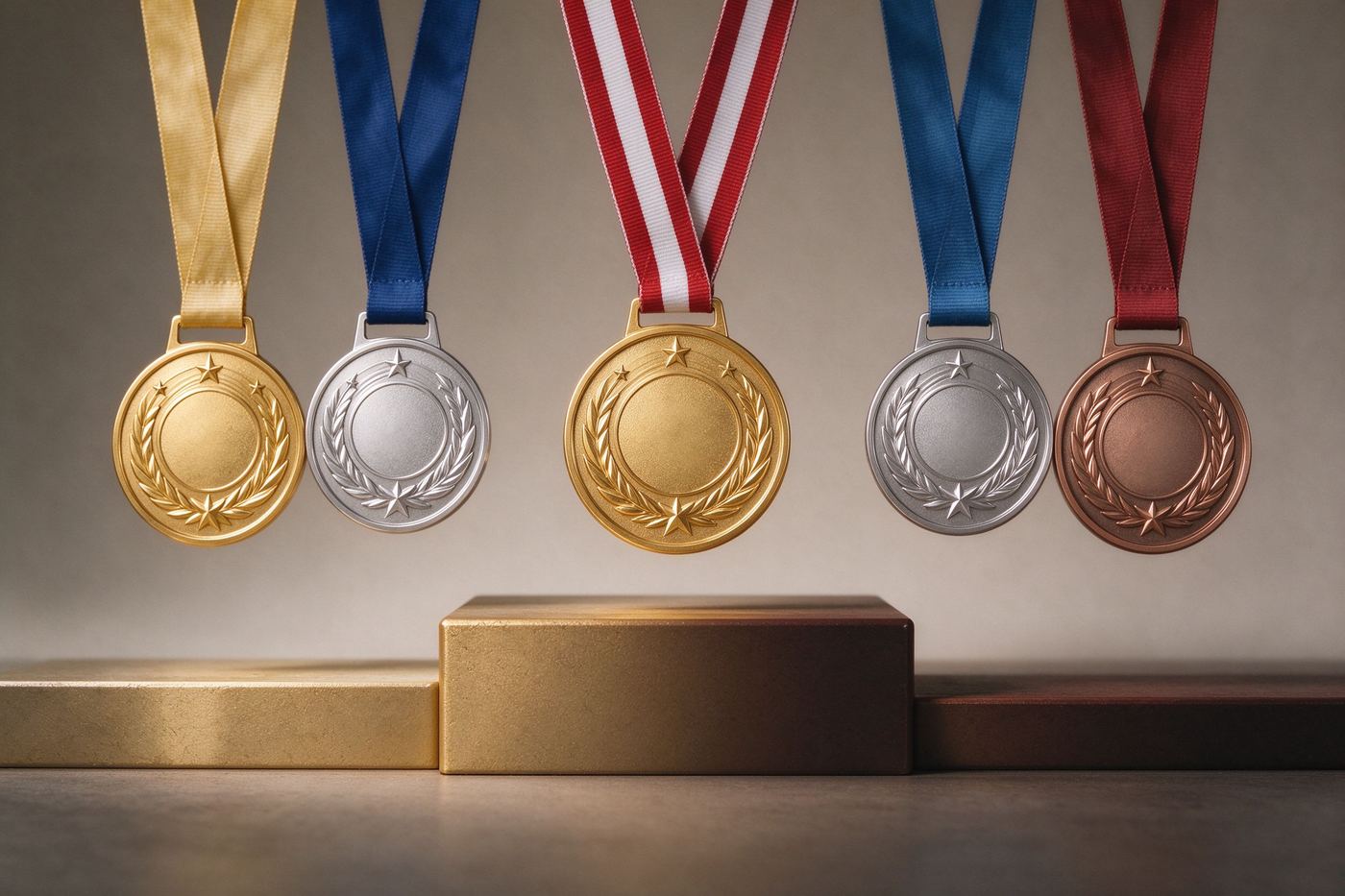
Yes. Pick from eight metallic presets for the medal (gold, silver, bronze, red, blue, green, purple, black) and eight ribbon colors.
可以。奖章有八种金属预设(金、银、铜、红、蓝、绿、紫、黑),绶带另有八种颜色可选。
No. Everything is drawn with Canvas in your own browser. Your design never leaves your device, and the tool works offline.
不会。一切都在你的浏览器里用 Canvas 绘制,设计永远不会离开你的设备,离线也能用。
Birthday jokes, office awards, sports day, class prizes, game achievements, Twitch sub badges, sticker printing and party decorations.
生日玩笑、办公室颁奖、运动会、课堂奖品、游戏成就、Twitch 订阅徽章、贴纸打印和派对装饰。
A round medal is not just a colored circle. Real medals use at least two visual tricks that our Canvas renderer rebuilds for you: a raised outer rim and a metallic gradient. The rim is a thicker ring that catches light on its top edge and falls into shadow on its bottom edge, which is what makes the disc look stamped instead of printed. The gradient is a radial shift from a bright highlight near the upper-left to a darker tone around the lower-right, mimicking the way a polished coin catches a single overhead light source. When you pair those two tricks with a folded ribbon at the top and curved text around the edge, the result reads as a medal even at a small size on a phone screen.
圆形奖章不只是一个涂色的圆。真实奖章至少使用两种视觉技巧,而我们的 Canvas 渲染器为你重建了它们:凸起的外圈和金属渐变。外圈是一圈更厚的环,上边缘接住高光、下边缘落入阴影,这正是让圆盘看起来像冲压出来而非打印出来的关键。渐变是从左上方高光到右下方暗调的径向过渡,模拟一枚抛光硬币接住单一顶光的方式。当你把这两种技巧与顶部折叠绶带和沿边弧形文字组合在一起,即便在手机小屏上,结果也一眼就是奖章。
Gold is the default, but it is not always the right default. Gold reads as first place, championships and father's-day grand gestures. Silver reads as runner-up, courtesy and quiet achievement. Bronze reads as participation, vintage sports day and hand-crafted charm. If you are making a joke medal for the office, red or blue enamel often works better than a metal tone because it pops on a Slack avatar and does not look like a serious award. Purple is a classic Twitch achievement color, green reads as environmental or military honors, and black with a white ribbon is the go-to for a goth or rock-band theme. The ribbon color is independent of the medal color on purpose: a gold medal with a red-white-blue ribbon says sports day, while a black medal with a gold ribbon says "I survived the Monday meeting".
金色是默认选项,但它并不总是最合适的默认。金色代表第一名、冠军和父亲节的盛大表达。银色代表亚军、谦逊和安静的成就。铜色代表参与感、复古运动会和手工魅力。如果你在为办公室做搞笑奖章,红色或蓝色珐琅往往比金属色更合适,因为它在 Slack 头像上更醒目,也不会显得像正式颁奖。紫色是经典的 Twitch 成就色,绿色读起来像环保或军事荣誉,黑底加白绶带则是哥特或摇滚主题的首选。绶带颜色与奖章颜色相互独立是有意设计的:金牌配红白蓝绶带是运动会,黑奖章配金绶带则是「我熬过了周一例会」。
Plain horizontal text on a circle feels like a sticker, not a medal. Real prize medallions wrap letters around the inner rim so the text follows the curve of the disc. Our renderer measures each letter and distributes it along an arc, which is why short phrases work best: three to six characters on the center, and up to about twelve on each arc. Keep the center word all caps and short — "DAD", "BOSS", "MVP", "PRO" — because long words get cramped and the star starts fighting the letters for space. If your text overflows, slide the text size down rather than rewriting the phrase; a smaller but clean arc always beats a cramped one.
圆形上横排文字感觉像贴纸,而不是奖章。真正的奖牌会把字母沿内圈环绕,让文字顺着圆盘弧度走。我们的渲染器会测量每个字母并沿弧分布,这就是为什么短短语效果最好:中心三到六个字符,每条弧形最多约十二个字符。中心词保持大写且简短——「DAD」「BOSS」「MVP」「PRO」——因为长词会挤在一起,星星也会和字母抢空间。如果文字溢出,拖动滑块缩小字号,而不是改写短语;小而干净的弧形永远胜过拥挤的弧形。
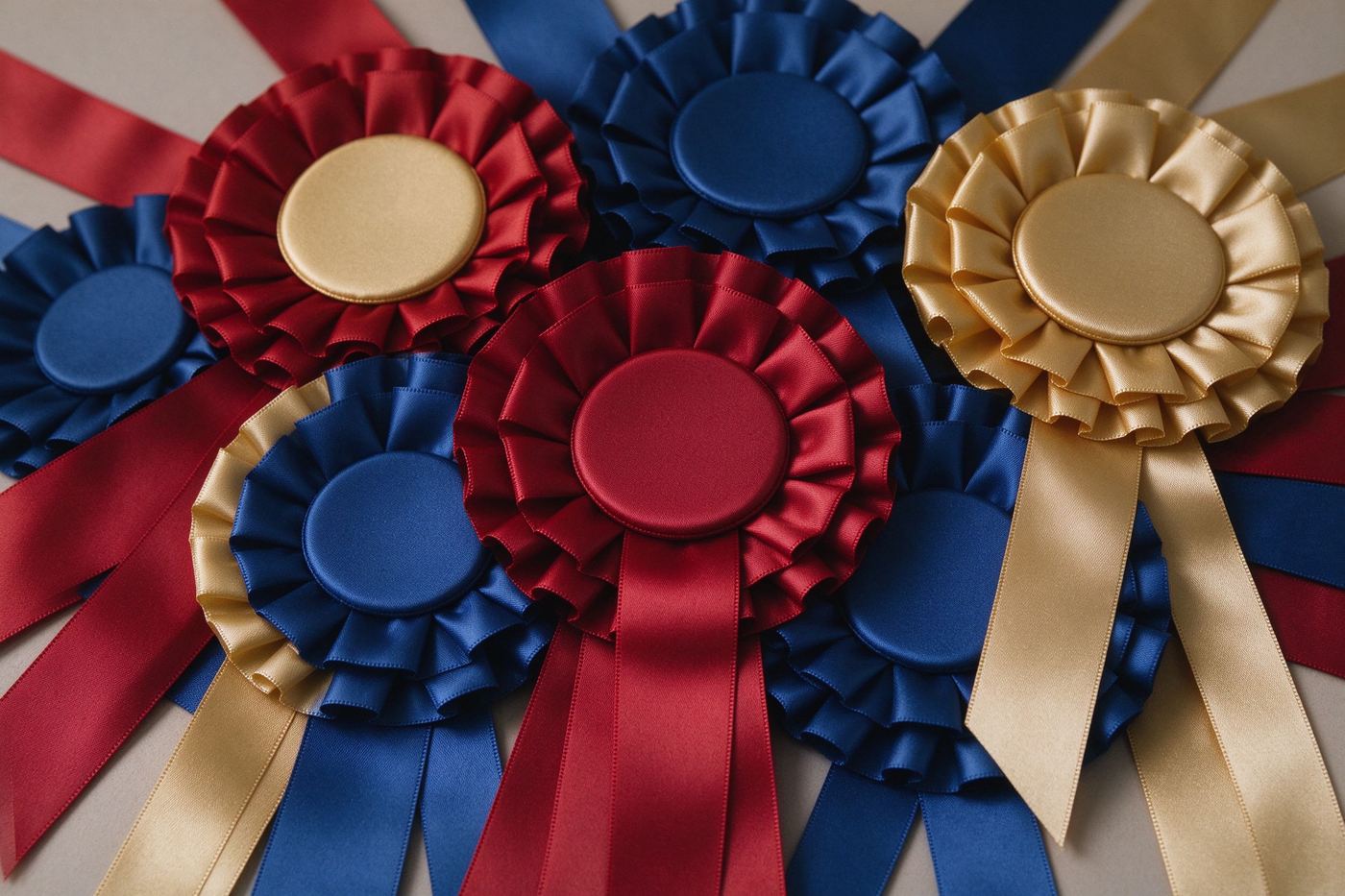
Because the export is a transparent PNG, the medal sits on any background you choose. Drop it onto a slide in Google Slides or PowerPoint to decorate an "Employee of the Month" deck. Print it on a label sheet and stick it on a biscuit tin for a homemade award. Use it as a Discord role icon or a Twitch sub badge preview. Paste it into a photo of someone holding a giant fake trophy and you have a meme in under a minute. If you need a three-tier set for a race, open our Gold / Silver / Bronze Medal tool and make all three at once. If you want a softer, flowery prize instead of a hard metal disc, the Award Ribbon Maker draws a rosette that pairs nicely with this one.
由于导出是透明 PNG,奖章可以放在你选择的任何背景上。把它拖进 Google Slides 或 PowerPoint 装饰「月度最佳员工」演示。打印在标签贴纸上,贴在饼干罐上就是一份手工奖状。用作 Discord 身份组图标或 Twitch 订阅徽章预览。把它贴进一张有人举着巨型假奖杯的照片里,一分钟内你就拥有了一个表情包。如果需要为比赛做三色套装,打开金银铜奖牌工具一次性做齐。如果你想要柔软、带花的奖品而不是硬金属圆盘,颁奖丝带生成器绘制的罗塞特花结与这枚奖章搭配起来非常和谐。
Most online badge generators ask you to sign up, watermark the preview, or upload your design to a server before you can download it. We built this tool the other way: the Canvas lives in your own browser, the gradient math runs locally, and the PNG is encoded on your device with toDataURL. That means the tool works on a plane without WiFi, it never sends your name or joke to anyone, and there is no "pro" tier locking the transparent export. The canvas renders at 1000 by 1200 pixels, which is sharp enough for stickers and social posts. For deeper design theory, read our Badge Design Guide on shapes, materials and colors.
大多数在线徽章生成器会要求你注册、给预览加水印,或在下载前把设计上传到服务器。我们把这个工具做成了相反的样子:Canvas 活在你自己的浏览器里,渐变计算在本地运行,PNG 通过 toDataURL 在你的设备上编码。这意味着工具在没有 WiFi 的飞机上也能用,它从不把你的名字或笑话发给任何人,透明导出也没有任何「专业版」锁定。画布以 1000×1200 像素渲染,对贴纸和社交帖子来说足够清晰。想了解更深的设计理论,阅读我们的徽章设计指南,讲述形状、材质与色彩。
If you plan to print the medal, keep the ribbon color dark enough to survive ink on white paper. A white ribbon on plain paper disappears, so pair white ribbon with a darker metal, or print onto a colored cardstock. For digital use, the 1000 by 1200 export works as a Discord role icon after you crop the sides, as a Twitch badge preview, or as a sticker on a laptop. When you post the medal to social media, upload the PNG directly rather than re-saving it through a chat app, because messengers recompress images and turn the transparent background into a gray or white box. If you want a set of matching medals for a whole team, make one design and then change only the center word for each person, which keeps the visual language consistent without redesigning every time.
如果你打算打印奖章,绶带颜色要足够深,才能在白纸上经得住墨水。白绶带在白纸上会消失,所以白绶带要配深色金属,或打印在彩色卡纸上。数字用途方面,1000×1200 的导出裁掉两侧后可作 Discord 身份组图标,也可作 Twitch 徽章预览,或贴在笔记本上做贴纸。把奖章发到社交媒体时,直接上传 PNG,不要通过聊天软件二次保存,因为通讯软件会重新压缩图片,把透明背景变成灰色或白色方块。如果想为整个团队做一套配套奖章,先做一个设计,然后只改动中心名字,这样视觉语言保持一致,又不用每次重新设计。
Ready to stamp your first medal? Type "World's Best" on the top arc, a name in the center, pick a gold metal and a red ribbon, then hit Download PNG. If you want the whole set of winner medals, continue to the Gold / Silver / Bronze Medal tool, or read Funny Award Ideas for more office and party themes.
准备好盖上你的第一枚奖章了吗?在顶部弧形输入「世界最佳」,中心填名字,选金色金属和红绶带,然后点击下载 PNG。如果想要整套获奖奖章,继续前往金银铜奖牌工具,或阅读趣味奖项创意获取更多办公室与派对主题。