Press a realistic red, blue or black rubber stamp onto any image — round or rectangular, with worn ink texture. Free, private, and exported as a transparent PNG.把逼真的红、蓝、黑橡皮印章盖到任何画面上——圆形或矩形,带做旧油墨质感。免费、私密,导出透明 PNG。
Yes. It is 100% free with no watermark and no sign-up. You can make and download as many stamp PNGs as you like.
是的。完全免费、无水印、无需注册,可以制作并下载任意数量的印章 PNG。
Three ink colors — classic red, office blue and black — and two shapes: a round stamp with arc text, and a rectangular stamp with horizontal text.
三种印泥颜色——经典红、办公蓝和黑——两种形状:带弧形文字的圆形印章,和横向排版的矩形印章。
Turn on the noise toggle to punch tiny speckle holes through the ink, and use the rotation slider to tilt the stamp a few degrees. Both mimic the imperfect impression of a real rubber stamp.
打开噪点开关,在油墨上打出细密斑点小孔,再用旋转滑块把印章倾斜几度。两者共同模拟真实橡皮印章不均匀的盖印效果。
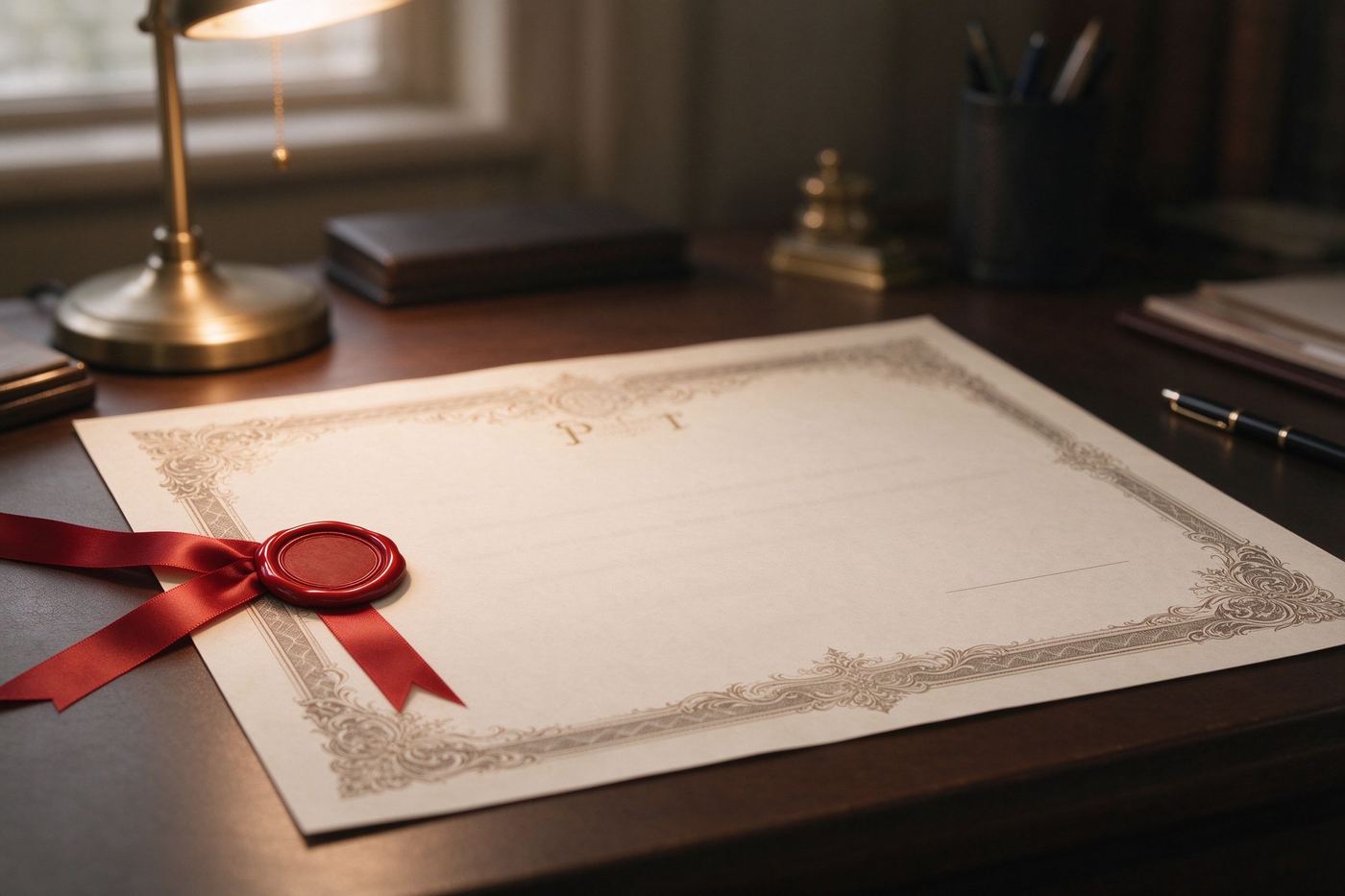
No. The stamp is drawn on a transparent canvas, so you can place it over documents, selfies, certificates and photos without editing out a white box.
没有。印章绘制在透明画布上,可以直接盖在文件、自拍、奖状和照片上,无需抠掉白框。
No. Every stamp is rendered locally in your browser with Canvas. Your design never leaves your device and the tool works offline.
不会。每一枚印章都在你的浏览器里用 Canvas 本地渲染,设计永远不会离开你的设备,离线也能用。
A digital stamp that looks fake gives itself away in three seconds: perfect circles, perfectly centered text, solid flat color, zero imperfections. Real rubber stamps are the opposite. The ink pad never deposits evenly, the press is never perfectly vertical, and the foam or rubber picks up tiny bits of paper dust that leave blank specks across the impression. This tool recreates those four tells on purpose. First, the ink is not pure solid color — it is rendered at roughly eighty-eight percent opacity, so underlying texture bleeds through like real ink on paper. Second, the "Worn ink" toggle punches hundreds of tiny random holes through the finished impression, mimicking dry patches and dust. Third, the Tilt slider rotates the whole stamp by a few degrees, because a stamp held by a human hand is never mathematically straight. Fourth, the borders are double rings, the geometry used on official seals for over a century. Turn all four on and the result reads as a physical object pressed onto your image, not a vector shape dropped on top.
假的数字印章三秒就会露馅:完美的圆、绝对居中的文字、平涂实色、零瑕疵。真实橡皮印章恰恰相反。印泥从来不会均匀着墨,按压永远不会绝对垂直,橡皮还会粘起细小纸屑,在印面上留下空白斑点。本工具有意复刻这四个特征。第一,油墨不是纯色——它以大约百分之八十八的不透明度渲染,让底层纹理像真实纸墨一样透出来。第二,「做旧噪点」开关在完成的印面上打出数百个随机小孔,模拟干墨斑和灰尘。第三,倾斜滑块把整枚印章旋转几度,因为人手盖的章永远不可能数学上笔直。第四,边框是双圈,这是官方公章沿用了一个多世纪的几何样式。四样全开,成品看起来就是一个真实物体压在你的画面上,而不是一个矢量图形贴上去。
Round stamps carry the authority of an official seal. Think of the green approval circles on customs forms, the red round chops on Chinese documents, the "APPROVED" rosettes banks stamp on cheques. Arc text around a circle forces brevity, which is why the format survives: OFFICIAL around the top, a star or a date around the bottom, one decisive word in the middle. Rectangular stamps are the workhorses of paperwork — PAID, RECEIVED, COPY, DRAFT, FOR REVIEW. They sit in the corner of a scan, they stack in rows on a register, and their straight edges line up neatly with document margins. As a rule of thumb: circular when you want ceremony, rectangular when you want bureaucracy. Both are one click apart in the shape selector, and you can apply either to a selfie, a meme or a certificate.
圆形印章承载的是公章的权威感。想想报关单上的绿色审批圆章、中文文件上的红色圆戳、银行支票上盖的「已核准」蔷薇章。沿圆弧排列的文字天然要求简短,这正是这个格式能流传至今的原因:顶部一圈 OFFICIAL,底部一圈星星或日期,中间一个果断的词。矩形印章是文书工作的主力——PAID、RECEIVED、COPY、DRAFT、FOR REVIEW。它们落在扫描件的角落,一排排叠在登记簿上,笔直的边缘能与文件页边整齐对齐。经验法则:想要仪式感就用圆形,想要官僚感就用矩形。两者在形状选择器里一键切换,而无论哪种,你都可以盖到自拍、表情包或奖状上。
Less is more. A stamp should occupy about a quarter of your canvas, not fill it; official seals live in a corner with breathing room. Keep the center word to one strong word and the ring text to short fragments, because arc text that overflows the circle starts looking stretched. Match the ink color to the genre: red stamp on warm photos, blue on cool screenshots, black when you want the stamp to recede. And finally, combine tools — after you press your stamp, open the Certificate / Award Maker to put it on a printable diploma, or treat the stamp itself as an emblem by reworking it in the Custom Shape Badge tool. For more award-and-prank ideas to caption with, browse Funny Award Ideas for Office & Team Celebrations.
少即是多。一枚印章应该占画布的四分之一左右,而不是填满它;公章永远住在带呼吸感的角落里。中心词保持一个有力的词,环形文字保持短短一截——溢出圆环的弧形文字看起来会被拉扯变形。印泥颜色要配合场景:暖色照片配红章,冷色截图配蓝章,想让印章退后就用黑色。最后,工具可以组合使用——盖完章后,打开趣味奖状生成器把它放到可打印的文凭上,或者把印章本身当作纹章,到自定义形状徽章里重做一版。想找更多可以拿来盖印的奖项与恶作剧灵感,浏览《办公室与团队庆祝的趣味奖项创意》。
The export is a transparent stamp, but the magic happens when you place it on something. In any editor that supports layers — your phone's gallery editor, PowerPoint, Canva, or any free online layer tool — add the stamp PNG as a new layer, then drag it into a corner and nudge the tilt to match the photo's perspective. For a paper texture, drop the stamp onto a receipt or notebook photo; for a meme, stamp it diagonally across a reaction image. If the ink looks too crisp against a grainy photo, turn the worn-noise toggle up and tilt the stamp a few extra degrees; imperfection blends in, perfection stands out as a pasted layer. Keep the stamp below twenty-five percent of the frame and it will read as an official detail rather than a watermark.
导出的是一枚透明印章,但真正的魔法发生在你把它盖到某个东西上的时候。在任何支持图层的编辑器里——手机相册自带编辑、PowerPoint、Canva 或任何免费在线图层工具——把印章 PNG 作为新图层加进去,拖到角落,再把倾斜角度微调得与照片透视一致。想有纸张质感,就把印章盖到收据或笔记本照片上;想做表情包,就把它斜着盖在反应图上。如果油墨在颗粒感照片上显得太干净,就把做旧噪点调高、再多倾斜几度;不完美会融进去,完美反而像贴上去的图层。让印章占画面不到四分之一,它就会读起来像一个官方细节,而不是水印。
Most online stamp editors send your image to a server, stamp it, and hand back a watermarked result. This page does none of that: the stamp is drawn by Canvas on your own device, the download is generated locally, and after the first page load the tool works with the network switched off. There is no account to create, no queue and no limit on how many stamps you play with. Whether you are mocking up a document edit in a crowded office or joking around at home, the image you never upload is the image that stays yours.
大多数在线印章编辑器会把你的图片传到服务器、盖完章、再交回一个带水印的成品。这个页面一样都不做:印章由你自己设备上的 Canvas 绘制,下载在本地生成,页面首次加载后断网也能用。没有账号要注册、没有排队、没有印章数量限制。无论你是在拥挤的办公室里做文档效果图,还是在家里玩梗,那张你从未上传的图片,才是真正属于你的图片。
Type OFFICIAL above, tilt it eight degrees, and download your first pressed stamp in seconds. Once you feel how good the worn red ink looks, you will start stamping everything.
在上方输入 OFFICIAL,倾斜八度,几秒钟就能下载你的第一枚盖好的印章。一旦你尝到做旧红墨的质感,就会忍不住往所有东西上盖章。