Turn plain captions into styled text with outline strokes, soft shadows and neon glow — free, no watermark, and your image never leaves your device.给朴素的字幕加上描边、柔影和霓虹光效——免费、无水印,图片永远不会离开你的设备。
An adjustable outline stroke, a soft drop shadow with X/Y offset and blur, and a neon glow mode — plus fill color and six fonts.
可调粗细的描边、带水平/垂直偏移和模糊的柔影、以及霓虹发光模式——再加填充色与六种字体。
Yes. It uses a canvas shadow blur that wraps letters in a colored halo, drawn as a thick outer glow plus a bright inner fill.
会。它用画布的阴影模糊给字母套上一圈彩色光晕:外层粗光晕加内层亮字芯,模拟真实灯管。
No. The fonts use your system font stack, so the tool works offline with zero downloads.
不需要。字体走系统字体栈,工具离线可用,零下载。
Yes. It is 100% free with no watermark and no sign-up, and every edit runs locally in your browser.
是的。完全免费、无水印、无需注册,所有编辑都在浏览器本地完成。
Drop white letters straight onto a busy photograph and half the time they vanish. A face, a neon sign, a patch of sky, a snowy field — any region of similar brightness swallows the fill color, and the reader has to squint before they can even start laughing. The classic meme community solved this more than twenty years ago with a brutal, effective recipe: white fill, thick black outline, Impact type. The outline is not decoration; it is contrast engineering. It carves a hard edge around every letter so the text stays legible on any background. Our Meme Text Styler starts from that idea but lets you tune it: choose your own fill and stroke colors, push the outline thicker or thinner, and then go further with a drop shadow or a neon glow. If you only need the classic white-on-black caption, the Classic Meme Maker does it in one tap. This page is for when you want deliberate, designed typography instead of a default.
把白字直接丢进一张杂乱照片,多半时候文字会消失。人脸、霓虹灯牌、一片天空、一块雪地——任何亮度相近的区域都会吞掉填充色,读者还没开始笑就得先眯着眼辨认。经典表情包社区在二十多年前就用一个粗暴却有效的配方解决了它:白字填充、粗黑描边、Impact 字体。描边不是装饰,而是对比度工程。它给每个字母刻出硬边,让文字在任何背景上都清晰可读。我们的表情包文字样式器从这个思路出发,但把它做成可调:自选填充色与描边色,描边可粗可细,再往下可以加投影或霓虹光。如果你只要经典白字黑框字幕,经典表情包生成器一键搞定;这一页留给想要「经过设计的字体排印」而不是默认效果的人。
Think of the stroke as a physical outline around each glyph, like the ink border on a sticker. A thick black outline reads as bold and funny; a thin outline in a dark brown reads as warm and crafted; a colored outline that matches the subject turns the caption into part of the picture instead of a label stuck on top. The stroke slider goes from zero (clean, modern, risky on busy photos) to forty pixels (chunky, comic, impossible to miss). Keep the stroke at roughly ten to fifteen percent of your font size for the sweet spot: visible but not muddy. And remember that the canvas draws the stroke first, then the fill on top — so the fill always wins, and the outline frames it perfectly.
把描边想成每个字形外围的一圈物理轮廓,像贴纸边缘那道墨线。粗黑描边读起来大胆而搞笑;深棕色细描边读起来温暖而有手工感;和主体同色的描边会把字幕变成画面的一部分,而不是贴上去的标签。描边滑块从零(干净现代,但在杂乱照片上有风险)到四十像素(厚重漫画风,绝不可能被忽略)。把描边保持在字号的百分之十到十五,就是最佳点:看得见,但不糊。记住画布是先画描边、再在上面画填充——所以填充永远压在最上面,描边刚好把它框住。
A drop shadow separates text from a background the way a raised sign separates from a wall. X and Y offsets slide the shadow diagonally, and the blur slider softens its edge. A small offset with high blur looks like soft studio lighting; a hard offset with zero blur looks like a retro print press; the same shadow color as your fill (a dark gray rather than pure black) looks expensive rather than harsh. Shadows are also the cheapest way to lift white text off a light photo when a black outline would look too heavy. Dial the blur up, nudge Y down a few pixels, and suddenly the caption sits on top of the image instead of melting into it.
投影把文字和背景分离开,就像一块凸起的标牌和墙面分开那样。水平、垂直偏移让阴影沿对角线滑动,模糊滑块柔化阴影边缘。小偏移加高模糊像影棚柔光;硬偏移加零模糊像复古印刷;阴影色用深灰而不是纯黑,看起来高级而不刺眼。当黑描边显得太重时,阴影是把白字从浅色照片上「托起来」最便宜的办法:模糊开大、垂直向下挪几像素,字幕立刻像浮在图片之上,而不是融在里面。
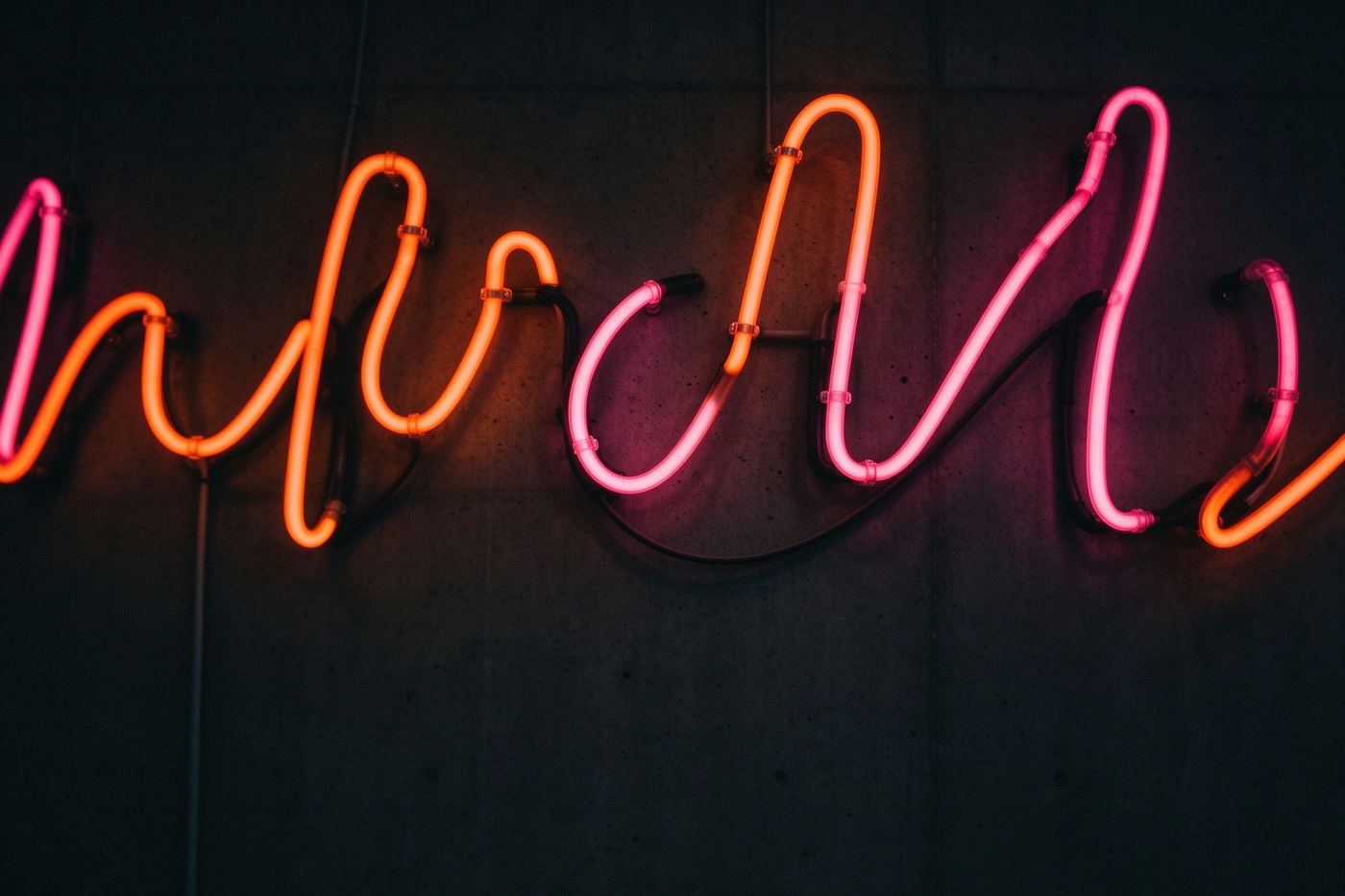
Neon mode flips the canvas into glow rendering. Instead of a sharp shadow, the letters get a large colored halo that bleeds outward, and a second pass fills the core with bright white so it reads like the inside of a glowing tube. Set the shadow color to electric pink, cyan or lime, keep your fill bright, and you have the mood of a late-night bar sign without hiring a sign painter. Neon works best on dark backgrounds — a black or deep navy image, a night street, a dark room — because the halo needs darkness to bloom into. On a bright photo the glow washes out, so switch back to a plain stroke there.
霓虹模式把画布切到发光渲染:阴影不再锐利,而是给字母一圈向外洇开的彩色光晕,再叠第二层把字芯填成亮白色,读起来像发光灯管的内芯。把阴影色设成电粉、青色或荧光绿,填充保持亮,立刻有深夜酒吧招牌的氛围,根本不用请人做灯牌。霓虹最适合深色背景——黑色或深藏青的图、夜晚街道、暗房间——因为光晕需要黑暗才能绽放。在亮照片上光会被冲淡,那就换回普通描边。
Once your text looks right, the high-resolution PNG drops straight into Discord, WhatsApp, Reddit or Instagram. Want real tube-sign vibes on its own? Open your image in the Neon Sign Text tool for a dedicated sign builder. Want depth instead of glow? The 3D Text Maker extrudes letters into an isometric block. And if your caption needs to float anywhere instead of locking to top, center or bottom, move over to the Meme Caption Editor, where every text block is draggable, resizable and rotatable. All of these tools run in your browser, on your files, with no account and no watermark.
文字满意后,高清 PNG 可直接发进 Discord、WhatsApp、Reddit 或 Instagram。想要真正的灯管招牌氛围、不需要底图?用霓虹灯文字生成器做专属灯牌。想要立体感而不是发光?立体文字生成器把字母拉成等距方块。如果字幕需要飘在任意位置、而不是锁死在顶/中/底,就去表情包字幕编辑器——那里每段文字都可以拖拽、缩放、旋转。这些工具全部在浏览器里运行,处理的是你的文件,没有账号、没有水印。
A quick decision tree keeps you from over-styling. On a busy, high-contrast photo, reach for the classic thick black outline and skip the shadow entirely — the outline already does the separation work. On a clean, flat-color graphic, drop the outline to a thin line and add a soft shadow so the type feels designed rather than stamped. On a dark, moody image, switch on neon and let the glow do the talking. And on a light pastel background, the safest move is a dark fill with a near-black shadow, which reads as premium and quiet. Resist stacking every effect at once: a caption with outline, shadow and neon on the same letters competes with itself, and the joke gets lost in the decoration. Choose one hero effect per image and the result looks intentional instead of busy.
一棵简单的决策树能防止你过度加戏。杂乱、高对比的照片上,用经典粗黑描边、彻底关掉阴影——描边已经完成了分离工作。干净的纯色图上,描边降到细线、加柔影,字就像被「设计过」而不是「盖上去」。暗调氛围图上,打开霓虹,让发光自己说话。浅色粉彩背景上,最稳的做法是深色填充加深黑阴影,高级而安静。别把所有效果堆在同一段字上:描边加阴影加霓虹叠在一起会互相打架,笑点淹没在装饰里。每张图只选一个主角效果,结果就显得有想法,而不是乱糟糟。
Upload a photo above, type one line, and spend a minute playing with the stroke and shadow sliders. Most captions go from forgettable to funny the moment they gain a clean outline and a soft shadow. Your images never leave your device.
在上方传一张照片、打一行字,花一分钟拖一拖描边和阴影滑块。大多数字幕在获得干净描边和柔影的那一刻,就从「记不住」变成了「有点好笑」。你的图片永远不会离开你的设备。