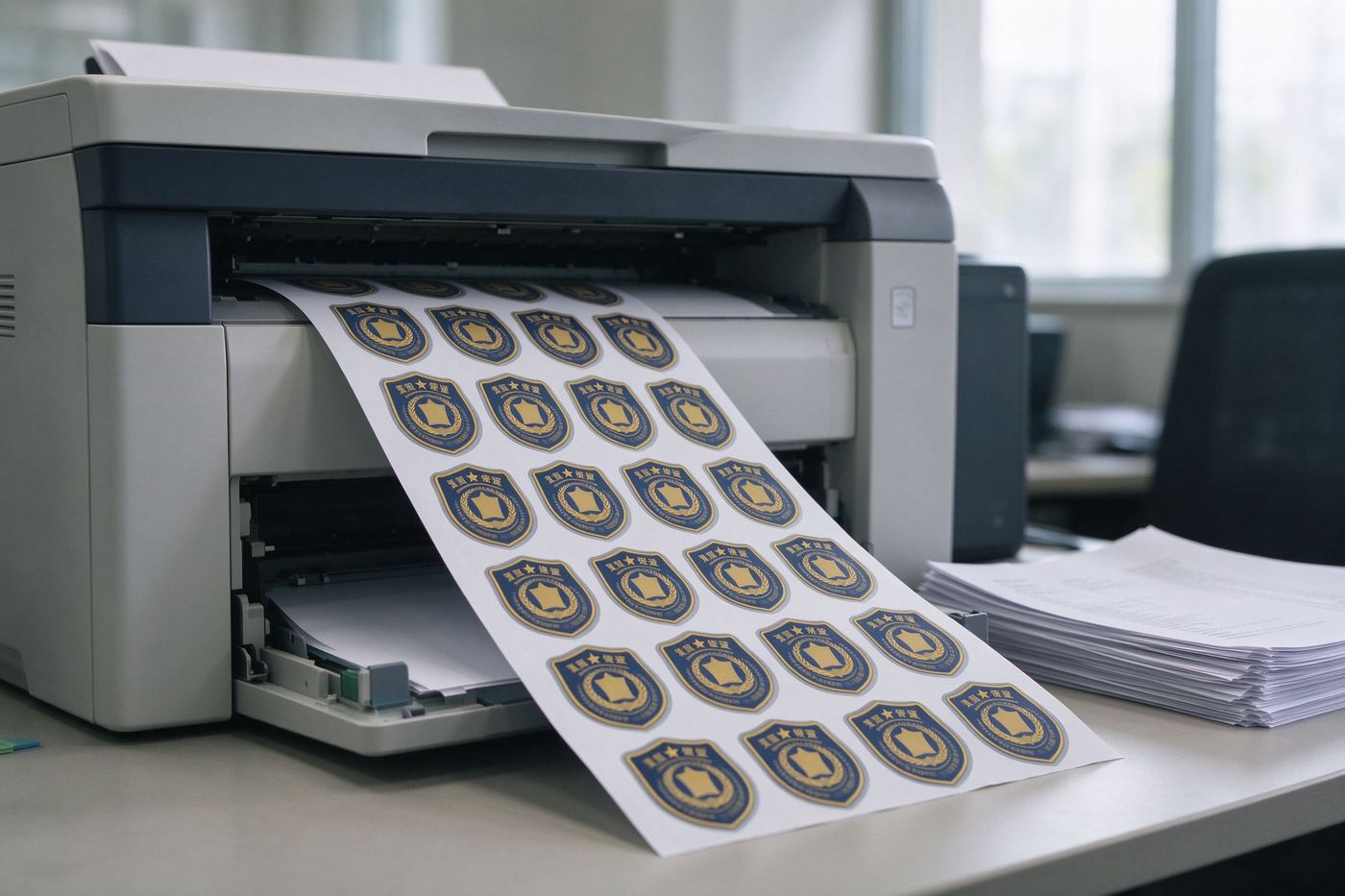
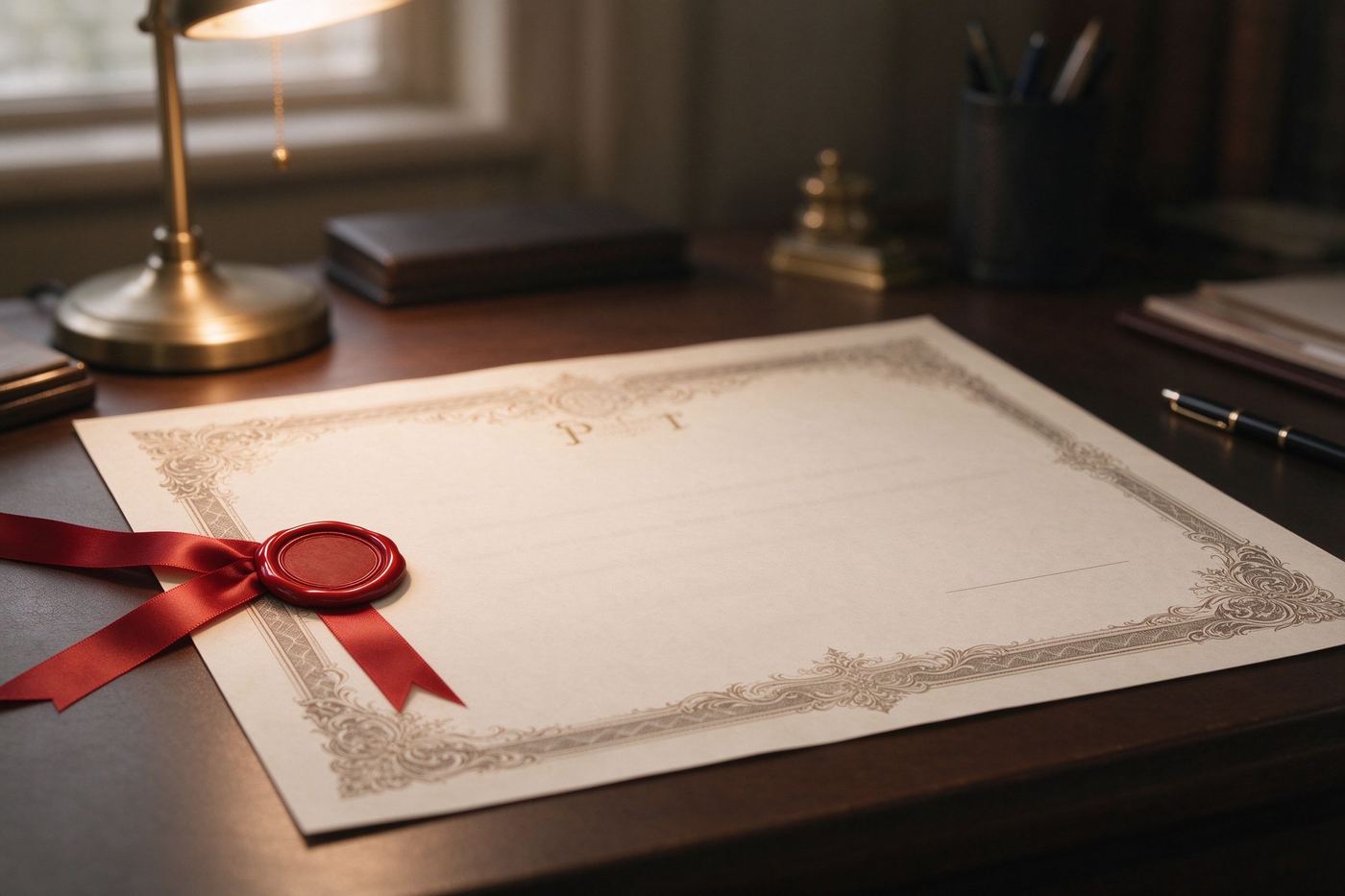
Making one certificate by hand takes five pleasant minutes. Making sixty of them for a team dinner, a class graduation or a hackathon awards session is a different story: the same five minutes multiplied by sixty becomes an afternoon of copy-paste, broken line wrapping and one forgotten middle initial. The fix is not faster typing, it is a list. If your names and award titles already live in a spreadsheet, you are ninety percent of the way to a fully personalized certificate for every person in one export. This guide shows you how to format that list, how to clean it, and how to run the batch workflow without touching a paid mail-merge service.
手工做一张奖状只要五分钟,感觉还不错。但为团队聚餐、班级毕业或黑客马拉松颁奖环节做六十张,就是另一回事了:五分钟乘以六十,变成一下午的复制粘贴、换行错乱,还有一个被忘掉的中间名。解决办法不是打字更快,而是用一份名单。如果你的姓名和奖项名称已经在表格里,你其实已经走完了九成——一次导出就能给每个人生成一张完全个性化的奖状。本指南教你如何整理这份名单、如何清洗数据,以及如何在不使用付费邮件合并服务的前提下跑通批量流程。
Why a spreadsheet beats manual editing为什么表格胜过手工编辑
Awards have two parts: a template that looks the same every time, and a small set of fields that change per person. That split is exactly what spreadsheets are good at. You design the border, the ribbon graphic and the wording once, then let the data swap in the name, the award title and the date for every row. Besides speed, the real benefit is consistency. When you duplicate the same template programmatically, nobody gets a misaligned name, a missing comma or a certificate where the line wrapping pushes the signature off the page. Batching also makes last-minute changes trivial: if the organizer decides to add "Most Valuable Player" to three people, you edit three cells instead of rebuilding three files.
奖状由两部分组成:每次都一样的模板,以及每人不同的一小撮字段。这种切分正是表格擅长的事。你只设计一次边框、绶带图案和文案,然后让数据为每一行替换姓名、奖项和日期。除了速度,真正的好处是一致性。当你用程序复制同一个模板时,不会有人拿到一张名字没对齐、逗号丢了、或者签名被换行挤到页外的奖状。批量还让临时改动变得很轻松:如果组织者决定给三个人加上「最有价值球员」,你改三个单元格就行,而不是重做三个文件。
What a CSV file looks likeCSV 文件长什么样
CSV means comma-separated values: plain text where each line is one record and commas separate the fields. Almost every batch tool accepts CSV because it is universal — Excel, Google Sheets, LibreOffice, Airtable and even Notion can export it. A minimal award list looks like this:
CSV 即逗号分隔值:一种纯文本格式,每行一条记录,逗号分隔字段。几乎所有批量工具都接受 CSV,因为它是通用的——Excel、Google Sheets、LibreOffice、Airtable 甚至 Notion 都能导出。一份最小的奖状名单长这样:
full_name,award_title,citation,date
"Ada Lovelace","Best Algorithm","For shipping the cleanest code","2026-10-11"
"Grace Hopper","Mentor of the Year","For guiding three junior devs","2026-10-11"
"Alan Turing","Puzzle Master","Most elegant automaton design","2026-10-11"
Two details matter. First, the first row should be a header — names like full_name and award_title — so the tool can map columns to template slots automatically. Second, wrap any field that contains a comma or a quote in double quotes, exactly as in the example above. If a name field contains "Jr." or an award title contains a comma and you skip the quotes, the columns will silently shift and half your certificates will say the wrong thing.
有两个细节很关键。第一,第一行应该是表头——像 full_name、award_title 这样的名字——这样工具才能自动把列映射到模板的对应位置。第二,任何包含逗号或引号的字段都要用双引号包起来,就像上面的例子。如果姓名字段里有「Jr.」或者奖项标题里有逗号,而你忘了加引号,列就会悄悄错位,一半的奖状内容都会对不上。
Designing your fields: more than just a name设计字段:不止是姓名
Beginners make a single name column and call it a day. A slightly richer list produces certificates people actually keep. Plan for these optional columns:
新手通常只做一列姓名就收工。稍微丰富一点的名单,能做出人们真正愿意保留的奖状。建议规划以下可选列:
- full_name — the person's name as it should appear on the certificate. If your HR export has separate first and last columns, join them in the sheet first.
- full_name——姓名在奖状上应该呈现的样子。如果你的人事导出里名和姓是分开两列,先在表格里合并好。
- award_title — one to six words, in title case. Long titles look cramped on a 20 cm wide certificate.
- award_title——一到六个词,用标题大小写。在 20 厘米宽的奖状上,长标题会显得局促。
- citation — a one-sentence reason. This is the field that turns a participation certificate into something people photograph.
- citation——一句话的颁奖理由。正是这一列,把「参与奖」变成人们愿意拍照发圈的东西。
- date — keep one consistent format (ISO 8601 YYYY-MM-DD is safest) so the tool never has to guess between US and European month/day order.
- date——保持统一格式(ISO 8601 的 YYYY-MM-DD 最稳妥),这样工具永远不用猜美式还是欧式的月日顺序。
- presenter — the signature name, useful when multiple managers hand out awards at the same event.
- presenter——签名人姓名,适合同一场活动有多位管理者颁奖时使用。
Keep columns flat: one piece of information per cell. If you need both a formal name and a nickname on the certificate, make two columns instead of stuffing both into one cell with a slash.
列要保持扁平:一个单元格只放一条信息。如果奖状上既需要正式姓名又需要昵称,就做两列,而不是用斜杠把两者塞进同一个单元格。
Cleaning your list: de-duplication and validation清洗名单:去重与校验
A real-world list from a registration form is rarely clean. Names arrive with trailing spaces, inconsistent capitalization, duplicated rows, and the same person written three ways: "Li Wei", "Wei Li" and "weili". Spend ten minutes here and you save an hour of confused recipients. Start by trimming whitespace: in Google Sheets use =TRIM(A2), in Excel the same formula works. Convert everything to the same case for comparison. Then run dedup: Google Sheets has the UNIQUE function, Excel has Data, Remove Duplicates. Near-duplicates — the nickname versus legal-name problem — cannot be solved automatically; sort alphabetically, eyeball the list, and merge the obvious pairs by hand. Finally, validate that every row has exactly the same number of commas and that no field is empty where it should not be. A quick visual trick: freeze the header row and scroll the whole list once before exporting.
从报名表导出来的真实名单很少是干净的。姓名带着尾随空格、大小写不一、重复行,同一个人有三种写法:「李伟」「Wei Li」和「weili」。在这里花十分钟,能省掉收件人一头雾水的一小时。先去掉空格:Google Sheets 里用 =TRIM(A2),Excel 里同样的公式就行。把所有名字转成统一大小写再比较。然后去重:Google Sheets 有 UNIQUE 函数,Excel 在「数据-删除重复项」里。近似重复——昵称与法定姓名的问题——无法自动解决;按字母排序,通读一遍,手动合并明显的配对。最后校验每一行逗号数量一致、不该空的字段都有值。一个快速的视觉技巧:冻结表头行,导出前把整张名单滚一遍。
The batch workflow, step by step批量工作流:分步走
- Design the template first. Open the Certificate / Award Maker and build the layout once: border, ribbon, signature line, fonts. Make sure every personalized slot has a clear placeholder — the name in 48 pt type, the citation in 16 pt below it.
- 先设计模板。打开趣味奖状生成器,一次性做好版式:边框、绶带、签名行、字体。确保每个个性化位置都有清晰的占位——姓名用 48 pt,颁奖理由在下方用 16 pt。
- Prepare the CSV with the header row and cleaned rows described above. Save as UTF-8; on Windows, choosing "CSV UTF-8" in the export dialog stops Chinese and accented names from turning into question marks.
- 准备 CSV,使用上面说的表头行和清洗过的数据行。保存为 UTF-8;在 Windows 上,导出对话框里选择「CSV UTF-8」,可以避免中文和带重音的名字变成问号。
- Upload and map columns in the batch panel of the Batch Badge Generator (Pro). Match full_name to the name slot, award_title to the title slot, and leave unused columns unmapped.
- 上传并映射列,在批量徽章生成器(Pro)的批量面板里操作。把 full_name 映射到姓名位置、award_title 映射到标题位置,没用到的列保持不映射。
- Preview five rows. Always render the first five certificates before exporting the whole list. This catches bad line wrapping, overlong citations and names that overflow the frame.
- 预览五行。导出全部名单之前,先渲染前五张奖状。这一步能发现糟糕的换行、过长的颁奖理由和溢出边框的名字。
- Export the batch as a ZIP of PNG files (or print-ready PDFs). Rename each file with the person's name so sorting and printing stays sane.
- 批量导出为 PNG 压缩包(或适合打印的 PDF)。每张文件以人名命名,这样整理和打印都不会乱。
Printing tips for batch certificates批量奖状的打印建议
Design at 300 DPI. On A4 paper that means an export of roughly 2480 by 3508 pixels; at home, any PDF above 150 DPI will still look acceptable, but text edges will be softer. Use 200 g matte cardstock if you can — regular printer paper makes a certificate feel like a flyer, while a slightly heavier stock immediately reads as an award. Print a single test page first, write on it with the same pen you plan to use, and check that the signature line is not too close to the edge. For a team event, print two copies of the winner certificate: one to hand over, one to pin on the office wall. If you also want round medals or ribbons alongside the paper certificates, the Round Medal Maker and the Achievement Badge Maker can produce matching graphics in the same design language.
按 300 DPI 设计。A4 纸对应大约 2480×3508 像素的导出;在家里,150 DPI 以上的 PDF 看着也可以接受,但文字边缘会软一些。条件允许的话用 200 g 哑粉卡纸——普通打印纸会让奖状像传单,而稍厚一点的纸立刻就有「奖」的感觉。先打一张测试页,用你打算正式使用的笔在上面签个名,检查签名线离边缘不太近。团队活动时,冠军奖状打两份:一份递出去,一份钉在办公室墙上。如果你还想在纸质奖状之外搭配圆形奖章或绶带,圆形奖章生成器和成就徽章生成器可以用同一套设计语言产出配套图形。
FAQ常见问题
What is a CSV file and how do I make one?CSV 文件是什么?怎么制作?
CSV stands for comma-separated values. Each row is one award, each column is one field such as name, title and date. You can export one from Excel, Google Sheets or LibreOffice with File, Download, Comma-separated values, using UTF-8 encoding.
CSV 即逗号分隔值。每行是一张奖状,每列是一个字段,比如姓名、奖项和日期。在 Excel、Google Sheets 或 LibreOffice 里通过「文件-下载-逗号分隔值」即可导出,编码选 UTF-8。
How do I remove duplicate names from my list?如何去除名单里的重复姓名?
Trim whitespace first, convert every name to the same case, then use the UNIQUE function in Google Sheets or Remove Duplicates in Excel. For near-duplicates such as nicknames versus legal names, sort alphabetically and merge them manually, because fuzzy matching is easy to get wrong.
先去掉首尾空格,把所有名字转成统一大小写,再用 Google Sheets 的 UNIQUE 函数或 Excel 的「删除重复项」。对于昵称与法定姓名这类近似重复,按字母排序后手动合并,因为模糊匹配很容易出错。
How many awards can I generate in one batch?一次批量能生成多少张奖状?
A browser-based batch tool can comfortably handle a few hundred rows; one thousand rows usually works too but the export ZIP will be large. For lists above a few thousand, split the CSV into files of five hundred rows and export in several passes.
浏览器端批量工具可以轻松处理几百行;一千行通常也能跑,但导出的压缩包会比较大。几千行以上的名单,把 CSV 拆成每个 500 行的小文件,分几轮导出。
What print resolution do certificates need?奖状需要什么打印分辨率?
Design at 300 DPI. An A4 certificate exported at 2480 by 3508 pixels will print crisply on a home or office printer; anything below 150 DPI looks soft around the edges of text and emblems.
按 300 DPI 设计。A4 奖状导出 2480×3508 像素,家用或办公打印机印出来边缘锐利;低于 150 DPI,文字和徽章边缘就会发虚。