Combine 2, 3 or 4 photos into one story-telling frame — free, no watermark, and your images never leave your device.把 2、3 或 4 张照片合成一个讲完整故事的画面——免费、无水印,图片永远不会离开你的设备。
Yes. It is 100% free with no watermark and no sign-up. You can build and export as many collages as you want.
是的。完全免费、无水印、无需注册,拼图数量不限。
No. Every panel is composited on a local Canvas. Your photos never leave your device.
不会。每一格都在本地 Canvas 上合成,照片永远不会离开你的设备。
Choose a 2, 3 or 4 panel layout. Each panel takes one photo, cover-cropped to fit its frame with a thin gutter.
可选 2、3、4 格布局。每格一张照片,自动裁剪铺满,格间留细缝。
2 panels export at 2:1, 3 panels at 3:1, and 4 panels at 1:1 square. All are high-resolution PNGs.
2 格导出 2:1,3 格导出 3:1,4 格导出 1:1 方形,均为高清 PNG。
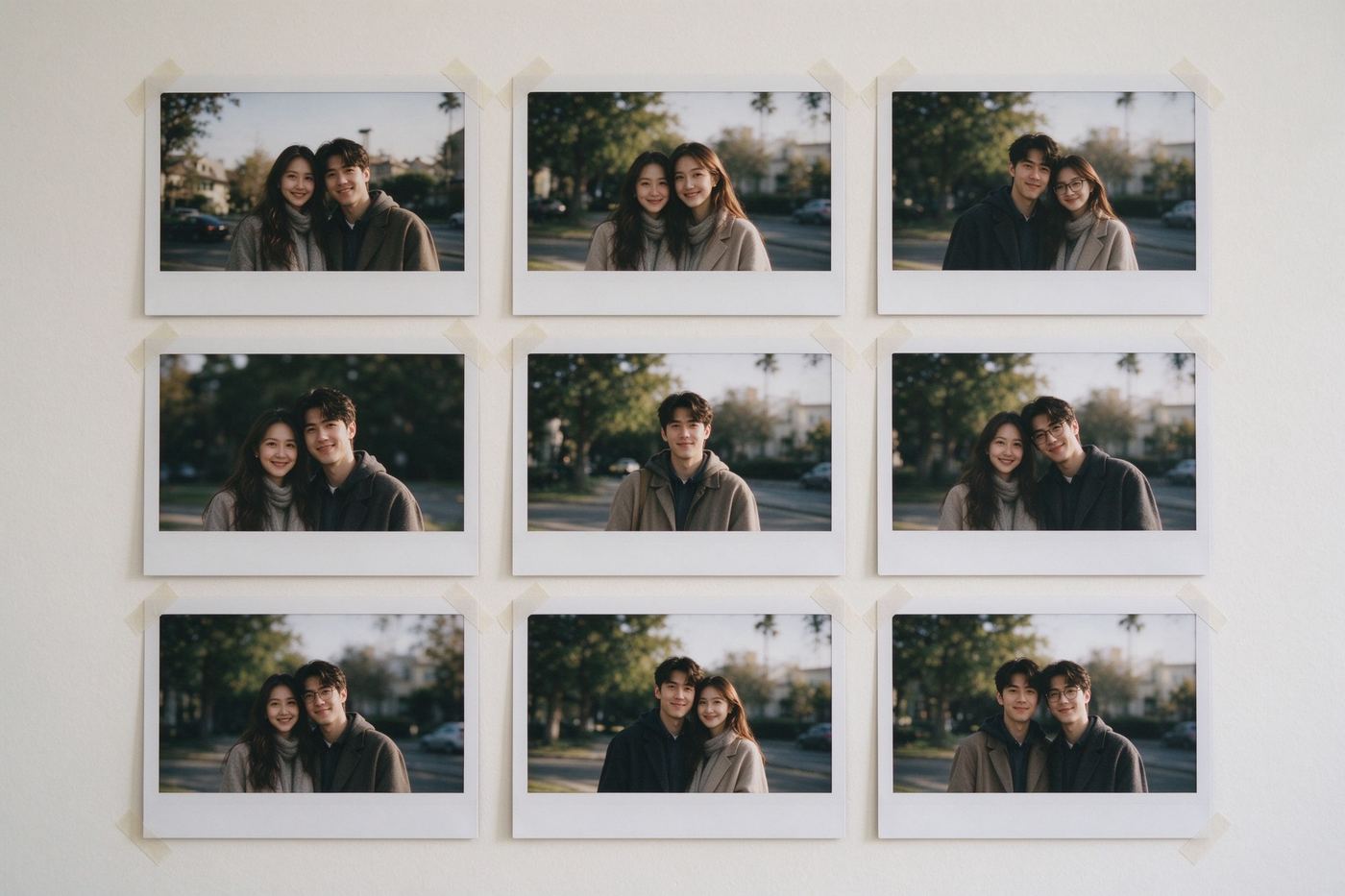
A single meme delivers one beat of a joke. The funniest storytelling on the internet is usually a sequence: the setup, the reaction, the reveal. A two-panel before and after, a three-step recipe of disasters, or a four-panel "me vs. everyone else" grid tells a complete mini-story in one scroll. Collages do this by putting several photos in one frame with even gutters between them, so the brain reads them as related at a glance. Our Meme Collage makes the boring part automatic: pick a 2, 3 or 4 panel layout, drop a photo into each slot, and the tool cover-crops every image to fill its cell exactly. No resizing each photo in an editor, no eyeballing borders, no exporting four separate images you then paste together.
单个表情包只讲一个笑点节拍。互联网上最好笑的叙事通常是一串:铺垫、反应、爆点。两格前后对比、三步灾难食谱、四格「我 vs 全世界」——一个卷轴里讲完一个迷你故事。拼图通过把多张照片放进同一帧、格间留均匀细缝,让大脑一眼读出它们互相关联。我们的表情包拼图工具把无聊部分自动化:选 2、3 或 4 格布局,每格丢一张照片,工具自动裁剪让每张正好填满格子。不用在编辑器里逐张缩放、目测边框、导出四张再拼。
A collage becomes a machine when you chain it with the other tools. Add a caption to a single panel by running that photo through the Classic Meme Maker before assembling the frame. Give every panel a retro tint with the Meme Pixelator so the collage reads as one artifact. Overlay reaction emojis on the finished frame with the Emoji Overlay. Drop in a text panel instead of a photo using the Quote Card Maker, then paste that card image into a slot. And if your single finished collage is too wide for a feed profile, the 9-Grid Splitter can turn it into nine tiles. The reverse workflow — one giant image into nine — starts from the same philosophy: feed layouts reward planned grids.
把拼图和其他工具串起来,它就成了一台机器。拼框之前,把某张照片先用经典表情包生成器加字幕;用像素化工具给每格镀一层复古色调,整幅拼图就像一件文物;成品帧上再用Emoji 叠加器盖反应表情;用名言卡片生成器做一格文字代替照片,再把卡片图塞进格子。如果成品拼图太宽不适合主页,九宫格切图工具能把它切成九张。反向工作流——一张大图切九张——出自同一理念:信息流奖励有规划的网格。
This version handles up to four panels in the three layouts above. More elaborate collages — variable panel sizes, rounded corners, stickers between panels — are on the roadmap, not hidden behind a fake button. Everything you see here works: uploads, replacements, layout switches, and the final PNG. Because the composite lives in memory, switching a layout keeps your already-loaded photos, so you can compare a 2-panel before/after against a 4-panel version in seconds. If you are wondering why we refuse fake "coming soon" buttons on free tools, the principle is simple: a button that does nothing teaches users to distrust every button on the page.
本版本支持上述三种布局、最多四格。更复杂的拼图——不等大格子、圆角、格间贴纸——在路线图上,而不是伪装成按钮藏着。这里看到的一切都能用:上传、替换、切布局、导出 PNG。因为合成结果在内存里,切换布局会保留已加载的照片,几秒钟就能对比两格前后版和四格版。想知道我们为什么拒绝在免费工具上放假的「即将推出」按钮?原则很简单:一个没用的按钮会教会用户不信任页面上的每个按钮。
Collages mix photos, and the photos you mix together are often private: candid shots, group selfies, screenshots. Server-based collage tools upload every panel before composing anything, which means four photos leave your device just to make one picture. Ours never do. The FileReader hands each file to the browser, the Canvas composites in memory, and toDataURL saves the final PNG straight to your downloads. No account, no queue, no history. If you want the ethics side of mixing found images with your own, our article Meme Etiquette & Copyright explains what is fair.
拼图是照片的混合,而你混在一起的照片往往很私密:抓拍、合影自拍、截图。服务端拼图工具在合成前要上传每一格,意味着四张照片离开你的设备只为做一张图。我们的从不如此。FileReader 把每个文件交给浏览器,Canvas 在内存里合成,toDataURL 直接把最终 PNG 存进下载目录。没有账号、没有队列、没有历史。想了解把网图和自拍混在一起的伦理?我们的文章《表情包礼仪与版权》讲清了什么是合理。
Every photo is placed with cover-crop: the tool scales the image until it fills its cell, then trims the overflow equally on both axes, keeping the center of the photo visible. That means a portrait dropped into a wide two-panel cell gets its top and bottom trimmed, while a landscape into a square four-panel cell gets its sides trimmed — usually exactly the part you want shown. Exports are fixed-ratio: the two-panel layout is 1600 by 800 pixels (2:1), the three-panel strip is 1800 by 600 (3:1), and the four-panel grid is 1200 by 1200 (1:1 square). Panels fill left-to-right in reading order, so panel 1 is always the setup and the last panel carries the reveal. A practical habit: load the photos in the order of the joke, not the order you happen to select them, then use the replace button to fine-tune. The 16px dark gutter between panels is fixed on purpose — it separates frames without stealing attention, and it matches the matte borders used in print photo collages.
每张照片按「裁剪铺满」放置:工具先把图片缩放至填满格子,再在两个轴上等量裁掉溢出部分,画面中心保持可见。这意味着竖照放进横排两格会裁掉上下,横照放进方形四格会裁掉两侧——通常恰好是你想保留的部分。导出为固定比例:两格布局 1600×800(2:1),三格横条 1800×600(3:1),四格网格 1200×1200(1:1 方形)。格子按从左到右的阅读顺序填充,所以第 1 格永远是铺垫,最后一格负责爆点。一个实用习惯:按笑话顺序选图,而不是随手选图的顺序,再用替换按钮微调。格间 16px 深色缝是有意固定的——它分隔画框却不抢注意力,和打印照片墙的哑光边框一致。
Choose a layout above, fill the panels, and export your frame. More combinations wait in the full tool list, and Best Meme Formats for Every Occasion helps you pick the right one.
在上方选个布局、填满格子、导出画框。更多组合在完整工具列表里,《各种场合的最佳表情包模板》帮你选对格式。