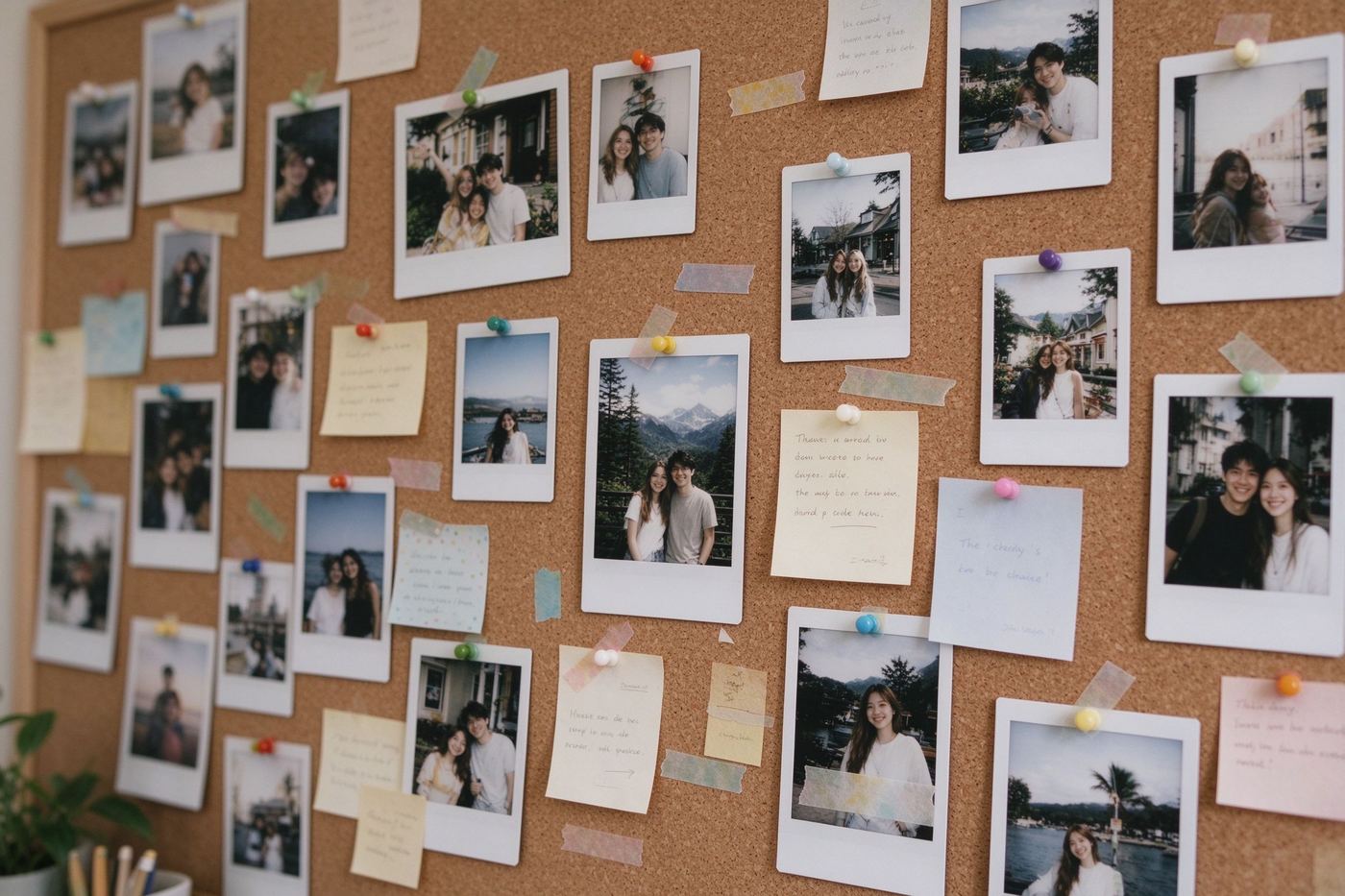
Cut one photo into nine equal tiles for that seamless 3×3 social grid — free, no watermark, and your image never leaves your device.把一张照片切成九等分,拼出无缝的 3×3 社交九宫格——免费、无水印,图片永远不会离开你的设备。
How to post: the tiles are numbered row-major (top-left = 1, bottom-right = 9). Save them in order 1→9 and upload them in the same order — for example as an Instagram carousel — so the image reassembles perfectly.
发布方法:九格按行优先编号(左上 = 1,右下 = 9)。按 1→9 的顺序保存,并按同样顺序上传——例如做成 Instagram 轮播——图片即可完美拼合。
Yes. It is 100% free with no watermark, no sign-up, and no limit on how many photos you split into nine tiles.
是的。完全免费、无水印、无需注册,切图数量不限。
No. The splitting happens entirely in your browser with Canvas. Your photo never leaves your device, and the tool works offline after the page loads.
不会。切分完全在浏览器里用 Canvas 完成,照片永远不会离开你的设备,页面加载后离线也能用。
Row-major: top-left is 1, top-middle is 2, and bottom-right is 9. Upload them in that order so the grid reassembles correctly.
按行优先:左上是 1、中上是 2、右下是 9。按这个顺序上传,九宫格才能正确拼合。
This tool is tuned for the classic 3×3 social grid. To combine several whole images into one frame, try our Meme Collage tool with 2, 3 or 4 panel layouts.
本工具专为经典 3×3 社交九宫格设计。想把多张完整图片拼成一张?试试支持 2、3、4 格布局的表情包拼图工具。
The nine-grid trick is one of the oldest attention-grabbers on visual social media. You take one wide panorama, one dramatic portrait, or one oversized meme, slice it into exactly nine equal squares, and upload the tiles in order. On a profile grid the result is a giant image that spans nine slots; in a carousel it scrolls as one continuous story. It works because platforms compress and crop single posts into boxes anyway, while a planned grid keeps everything sharp and composed. Doing the math by hand is tedious: you must crop each third at the exact same resolution, rename the files in order, and re-export nine times. Our 9-Grid Splitter does all of that in one go — upload once, preview the cut lines, and save nine tiles ready to post.
九宫格玩法是视觉社交平台上最古老的吸睛术之一。你拿一张宽幅全景、一张戏剧感人像或一张超大表情包,精确切成九个等分方块,按顺序上传。在主页网格里,九格拼成一张大图;在轮播里,它滚动成一个连续故事。它之所以有效,是因为平台本来就会把单帖压缩裁切成框,而预先规划好的网格保持了锐利与构图。手算很麻烦:每三分之一要裁成完全相同的分辨率、按顺序重命名、导出九次。我们的九宫格切图工具一次搞定——上传一次、预览切线、保存九张即可发。
Almost every failed nine-grid post fails for one reason: order. Social feeds fill slots left to right, top to bottom. That means the tile that goes first must be your top-left third, the second upload your top-middle third, and so on until the ninth upload, which is the bottom-right third. Our tiles are numbered exactly that way — 1 through 9 in row-major order — and the on-screen tip reminds you before you leave. If a platform presents your upload queue in reverse, simply flip the order of the files. As long as the first and ninth tiles land in the correct corners, the big picture reassembles. One practical note: keep the original photo in square or near-square proportions for the cleanest result; extreme panoramas still work, but the nine tiles will be rectangular rather than square.
几乎所有翻车的九宫格都败在同一个原因:顺序。社交信息流按从左到右、从上到下填充位置。这意味着第一个上传的必须是左上那一块,第二个是中上,依此类推,第九个是右下。我们的小图正是按行优先 1 到 9 编号,离开页面之前屏幕上的提示会再提醒一次。如果平台的上传队列是反的,把文件顺序反过来即可。只要第一格和第九格落在正确的角落,大图就能拼合。一个实用建议:原照片尽量接近正方形,成品最干净;极宽全景也能用,但九格会是长方形而非正方形。
The tool exports each tile at the native resolution of your uploaded photo divided by three, so a 3000px-wide photo becomes nine 1000px tiles — sharp enough for any social feed. Download All 9 uses timed downloads so your browser does not block the batch; if it ever pauses, allow multiple downloads for the site and press the button again. Want to refine the image before splitting? Run it through the Meme Pixelator for a retro look, add emojis with the Emoji Overlay tool, or lay a quote across it in the Quote Card Maker. And if you only have four images and want them in one frame instead of nine tiles, the Meme Collage tool is the right detour.
工具按「上传照片原生分辨率 ÷ 3」导出每一格,所以 3000px 宽的照片会变成九张 1000px 的小图——任何社交信息流都足够清晰。「下载全部 9 张」使用定时批量下载,避免浏览器拦截;若中途暂停,允许网站多文件下载后再点一次。想在切图前精修?用像素化工具做复古效果,用Emoji 叠加器贴表情,或用名言卡片生成器压一句话。如果你只有四张图、想拼成一张而不是切九格,表情包拼图工具就是正确的岔路。
Splitting tools that run on a server have to upload your photo, process it, and hand you back nine downloads through a link. That is fine for landscapes but awkward for anything personal: selfies, screenshots, photos of family. Our version never leaves the browser. The FileReader reads the file locally, Canvas crops each tile in memory, and toDataURL produces the PNG straight to your download folder. No account, no queue, no history on our servers — because there is no server step at all. If you want the bigger picture on why on-device tools matter, our article Meme Etiquette & Copyright touches on the rights side of sharing images publicly.
服务端切图工具必须上传照片、在服务端处理、再通过链接把九张图还给你。风景照无所谓,但涉及自拍、截图、家人照片就很尴尬。我们的版本从不离开浏览器:FileReader 本地读文件,Canvas 在内存里裁出每一格,toDataURL 直接把 PNG 送进下载目录。没有账号、没有队列、服务器上不留历史——因为根本没有服务端这一步。想了解本地处理工具为何重要,我们的文章《表情包礼仪与版权》谈到了公开分享图片时的权利问题。
Each tile exports at exactly one third of your uploaded photo's width and height, so a 3000px panorama becomes nine 1000px tiles — well above the resolution any feed compresses to. The 900px preview on screen is only a guide; the exported files carry the full resolution, which is why the split stays sharp even on large monitors. The blank-tile trick is worth knowing: leave one tile out of your upload batch and the giant image appears to be missing a piece, a beloved optical joke on profile grids. To do that, simply delete one downloaded tile before posting. One honest limit: the tool does not add borders or rounded corners, and it assumes your source is roughly square — extremely wide panoramas still split, but the nine tiles become long rectangles that fill carousel slots rather than square profile slots. Also remember that batch downloads are paced at 300ms per file, so the full set lands over about two and a half seconds rather than all at once.
每一格按上传照片宽高的精确三分之一导出,3000px 全景就变成九张 1000px 的小图——远超任何信息流的压缩阈值。屏幕上的 900px 预览只是参考;导出文件带完整分辨率,所以即使在大屏上切图依然锐利。空格子技巧值得知道:上传批次里故意少发一格,大图就像缺了一块,这是主页网格上很受欢迎的视觉玩笑——做法就是发布前删掉一张已下载的小图。一个诚实的边界:工具不加边框或圆角,并假设素材接近正方形——极宽全景仍可切,但九格会是长矩形,填满轮播位而非方形主页位。另外记住批量下载按每 300ms 一张调速,全套约两秒半落盘,而不是瞬间全部完成。
Upload a photo above, check the cut lines, and download your nine tiles. Ready for more? Browse the full tool collection or learn the craft in How to Make a Meme in 2026.
在上方上传照片、检查切线、下载九张小图。还想玩?浏览全部工具,或阅读《2026 年表情包制作完全指南》。